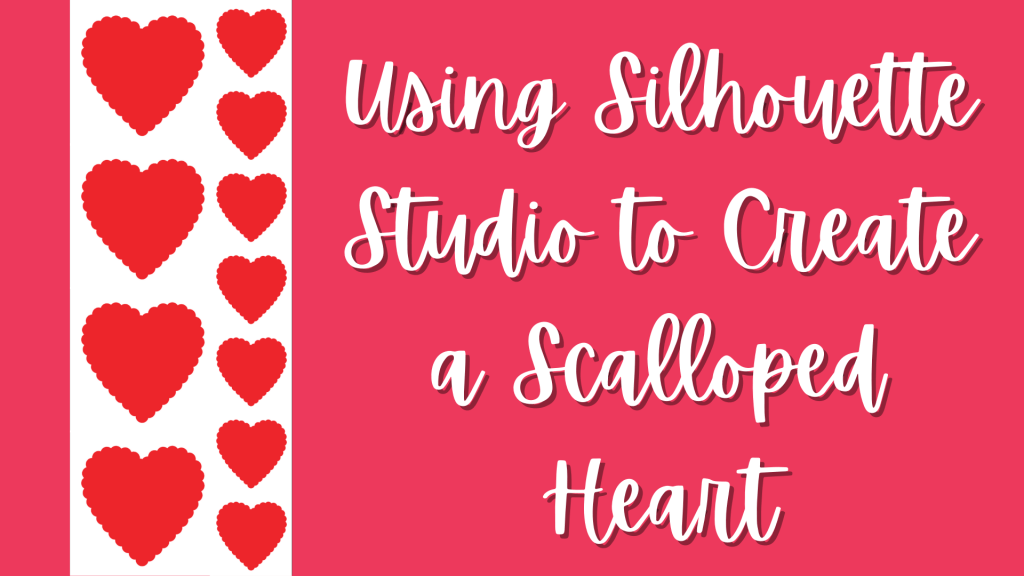
Creating a scalloped shape is easy with Silhouette Studio. Valentine’s Day is almost here, so I’m going to show you how to create a scalloped heart.
We’ll be using the following:
- Flexishapes
- Edit Points
- Drawing Tools
- Replicate Panel
- Object on Path
Creating a scalloped shape is easy with Silhouette Studio. Valentine’s Day is almost here, so I’m going to show you how to create a scalloped heart.
We’ll be using the following:

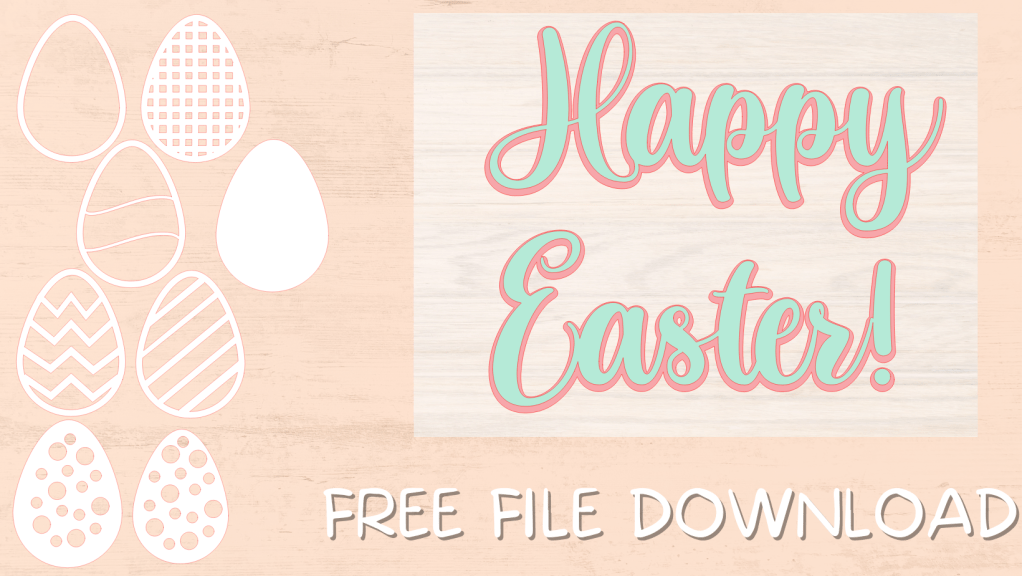
Happy Easter. Enjoy these egg shapes, overlays, and Happy Easter! heading. All of the egg shapes were created using Silhouette Studio.
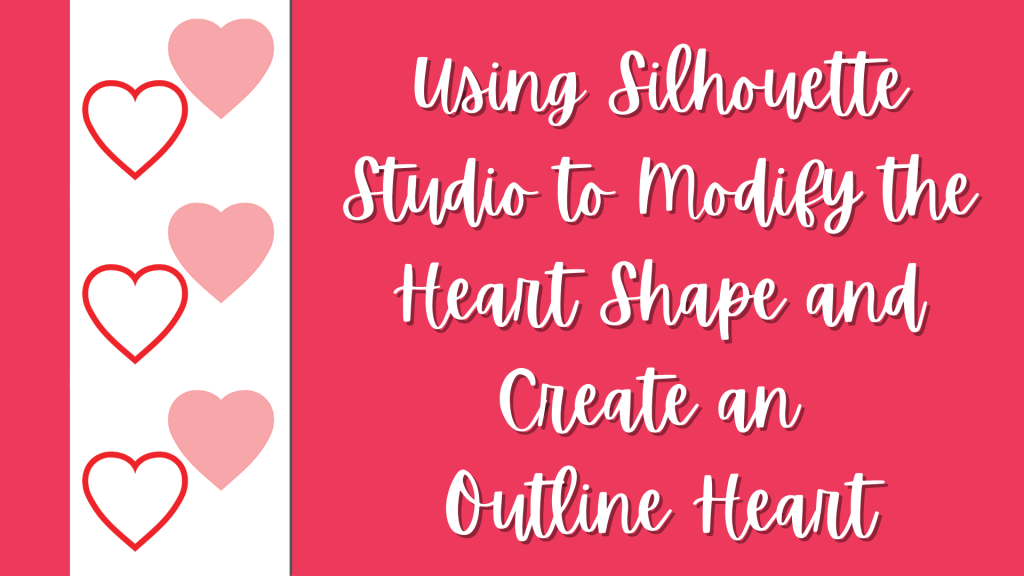
Silhouette Studio is a powerful software application. Today, I’m going to show you how to use the software to modify the heart shape and create and outline of the heart. To do this, we’ll be using the following:
Welcome to A Study in Crafting. I’m so glad you have found your way to my site. I’m Valerie Kettner. I’m a wife, mother, grandmother, and long time crafter. Like many of you, my crafting started with scrapbooking. Scrapbooking led to card making. Then I began making the place names for the Thanksgiving table for our extended family. Having an electric cutter was essential.

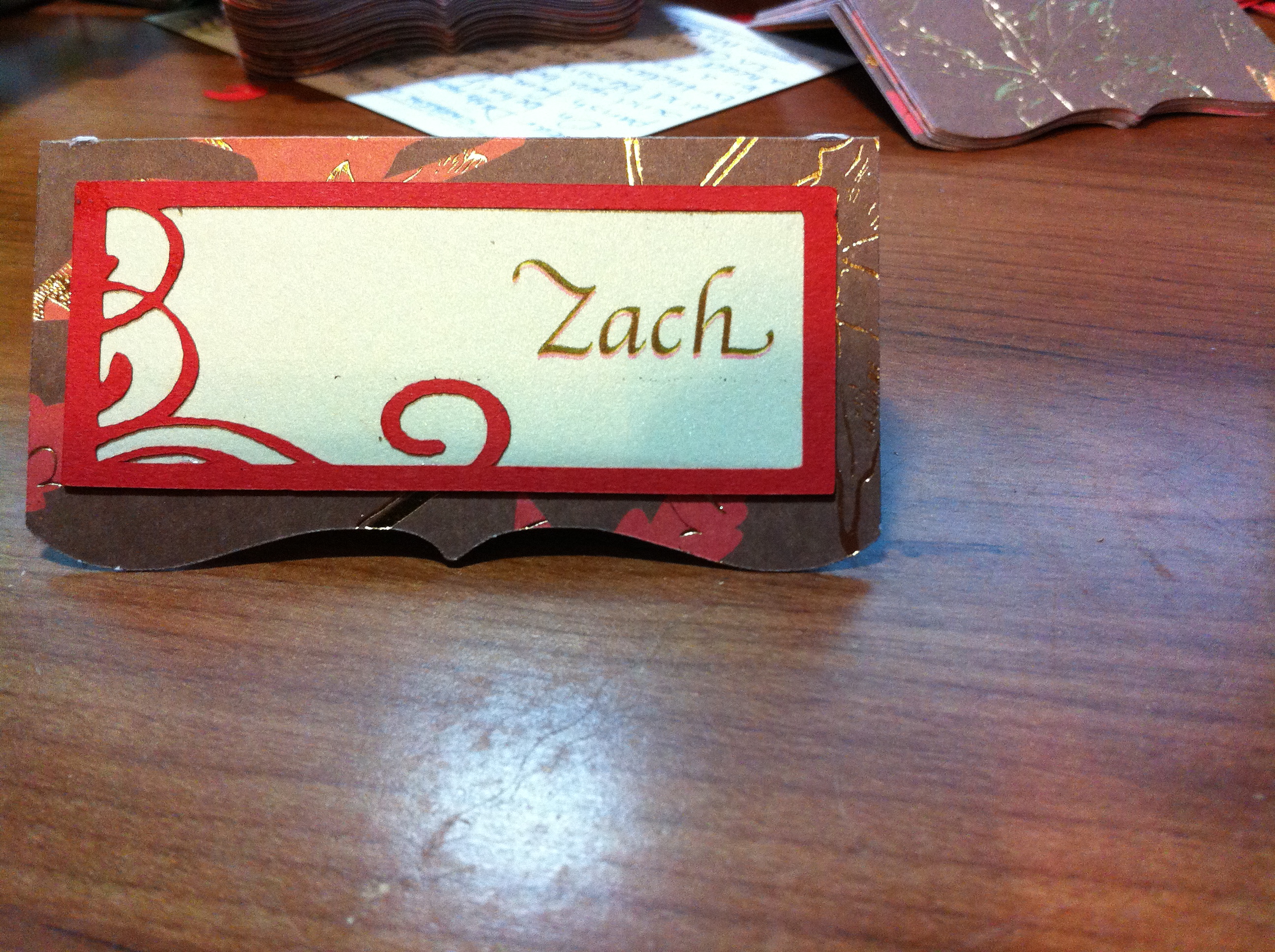
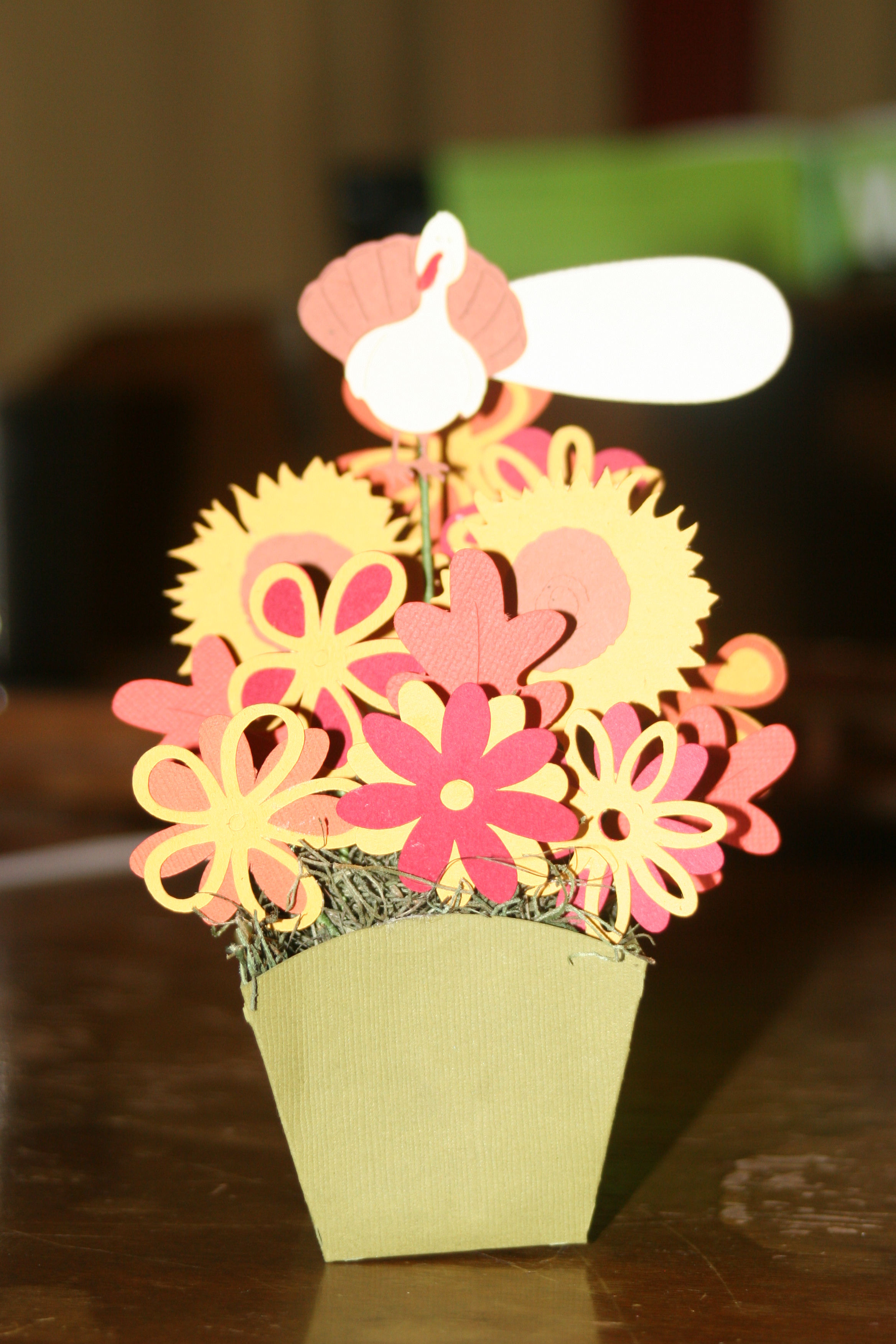
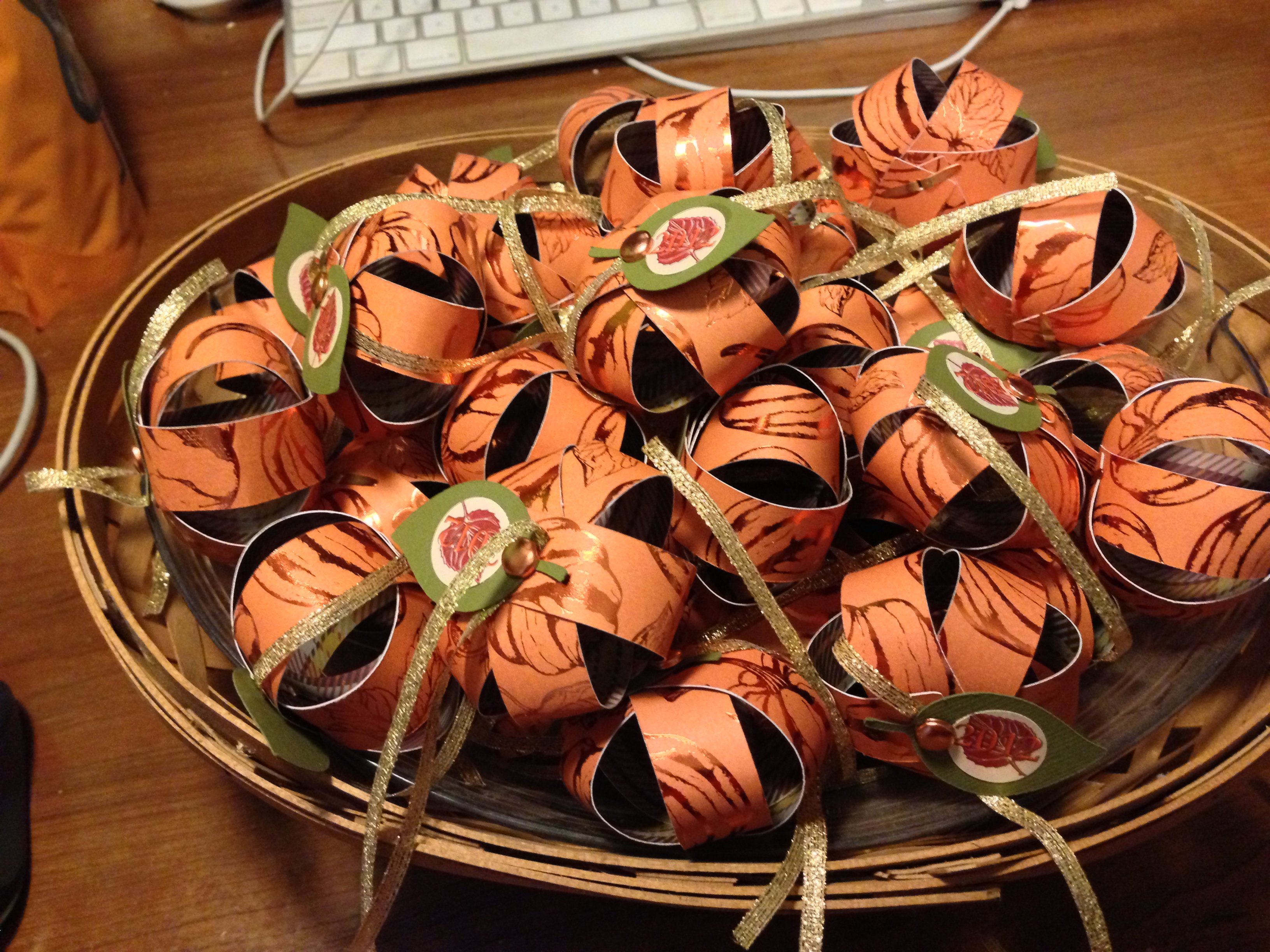
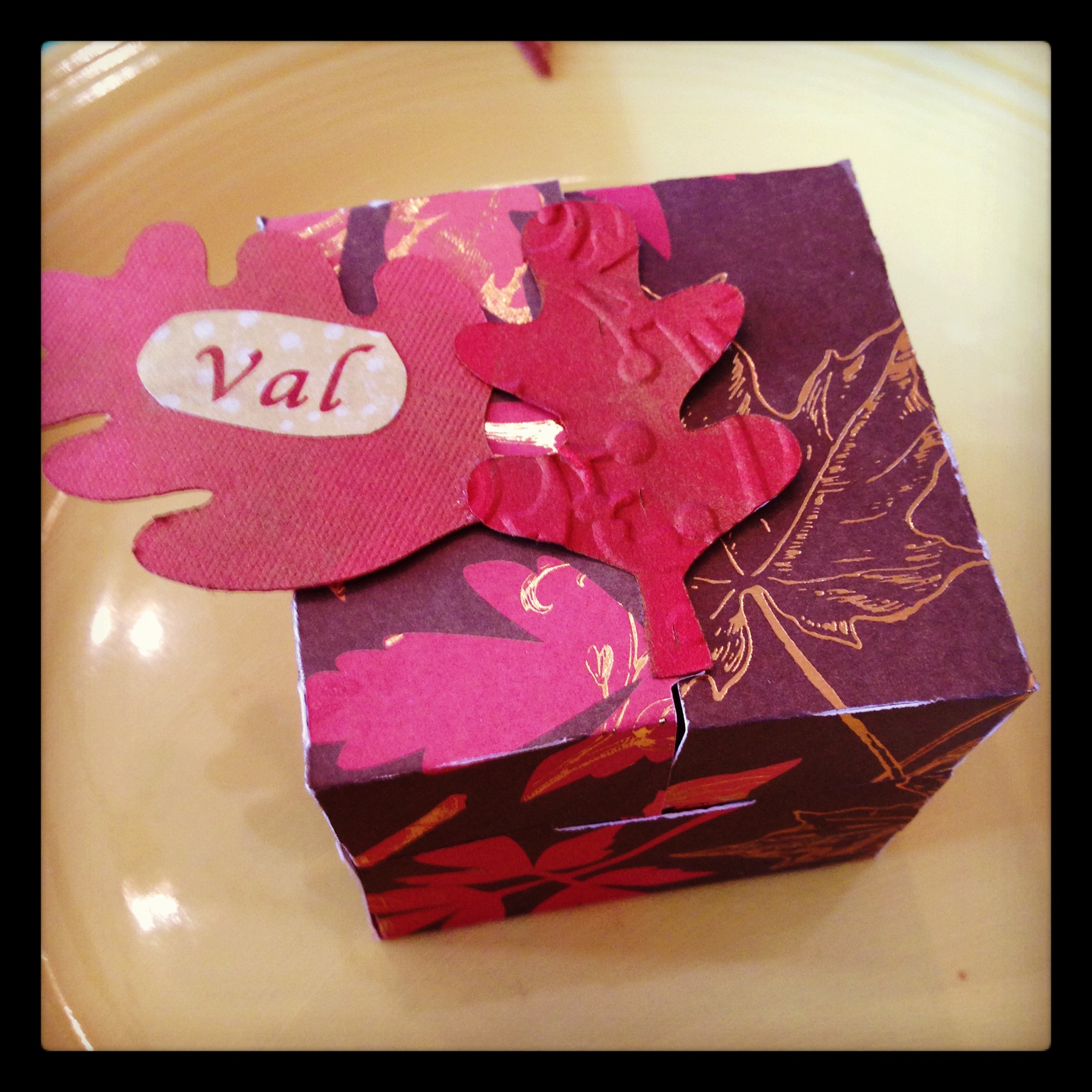
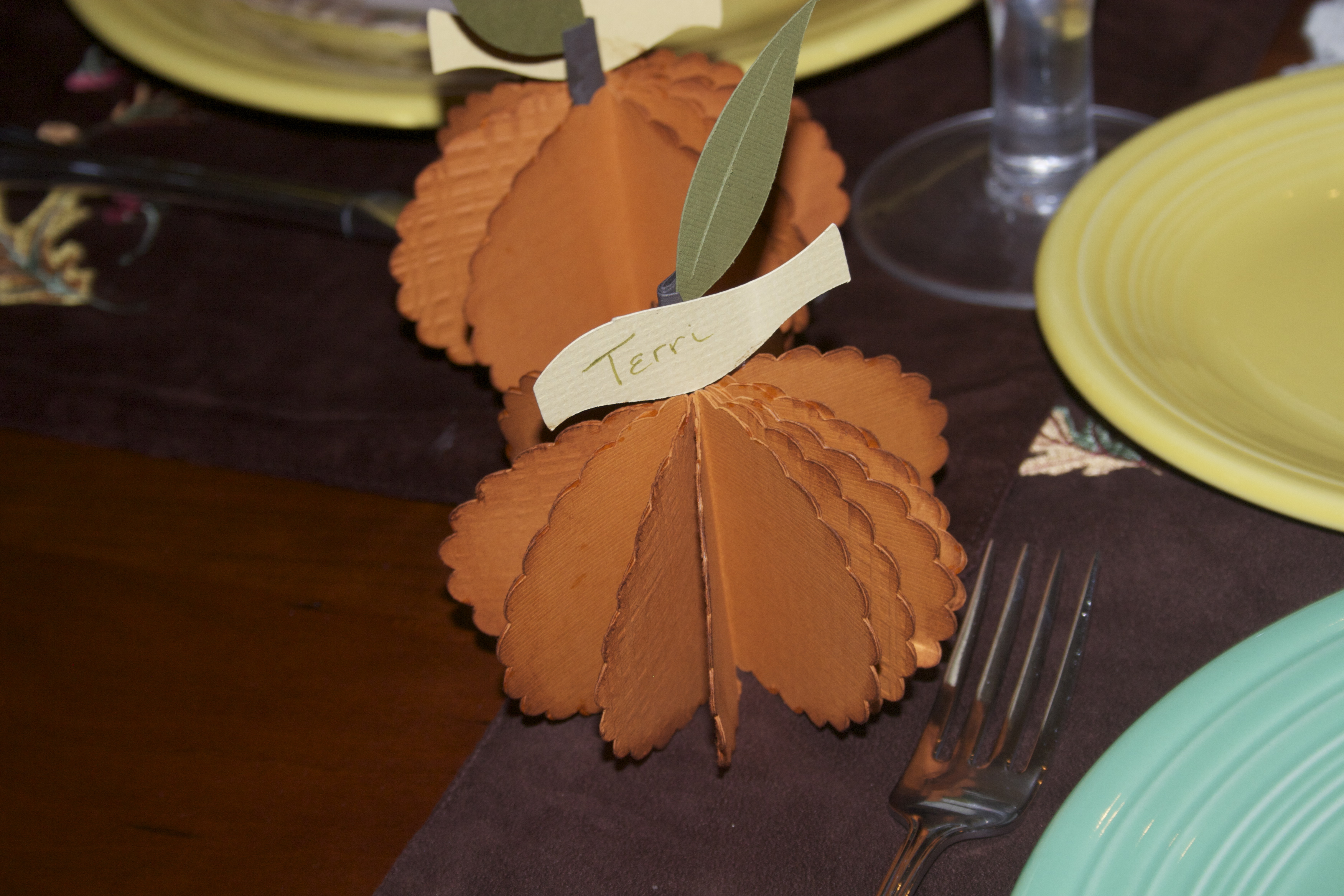
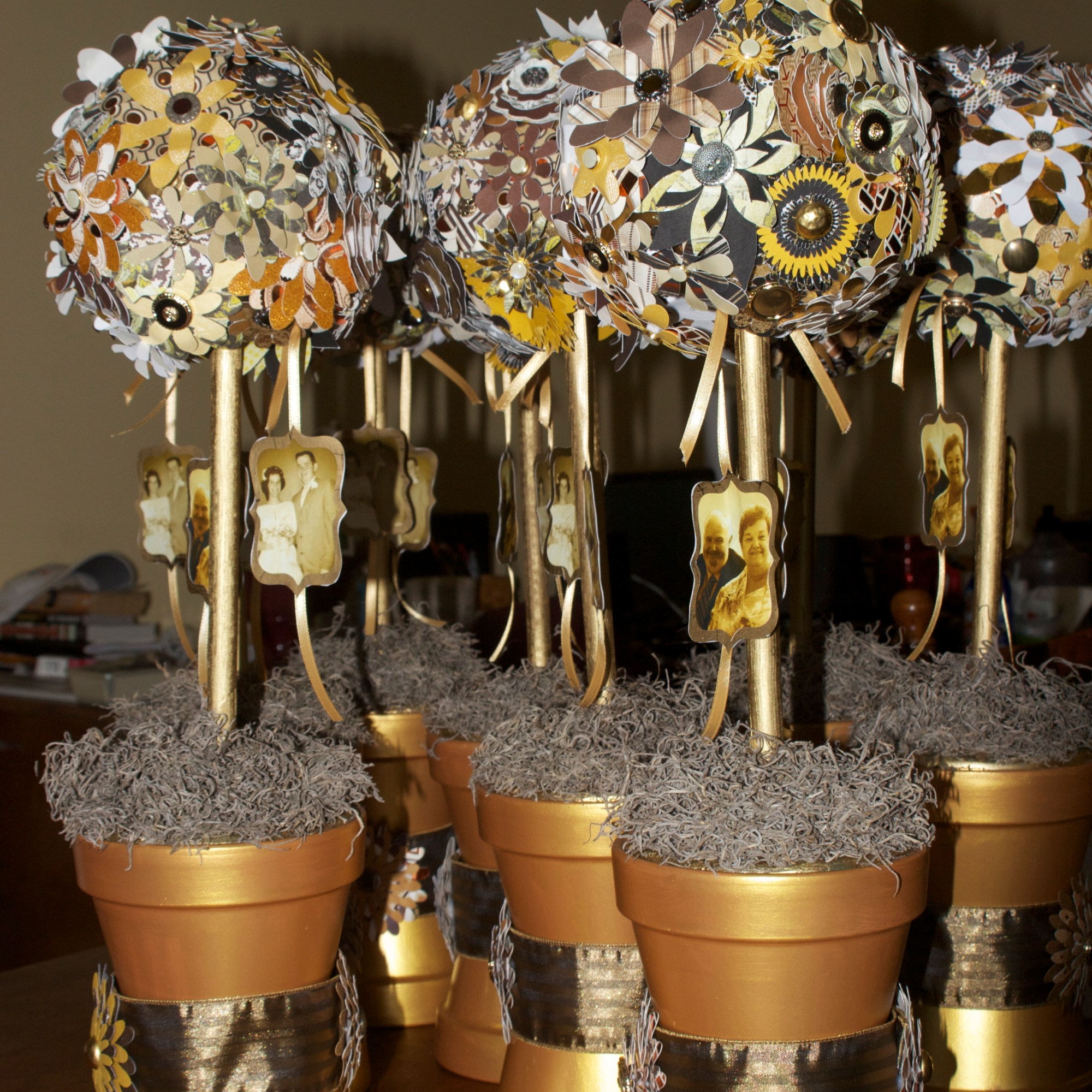
Then came the showers…. bridal and baby, birthday and anniversary parties and weddings.
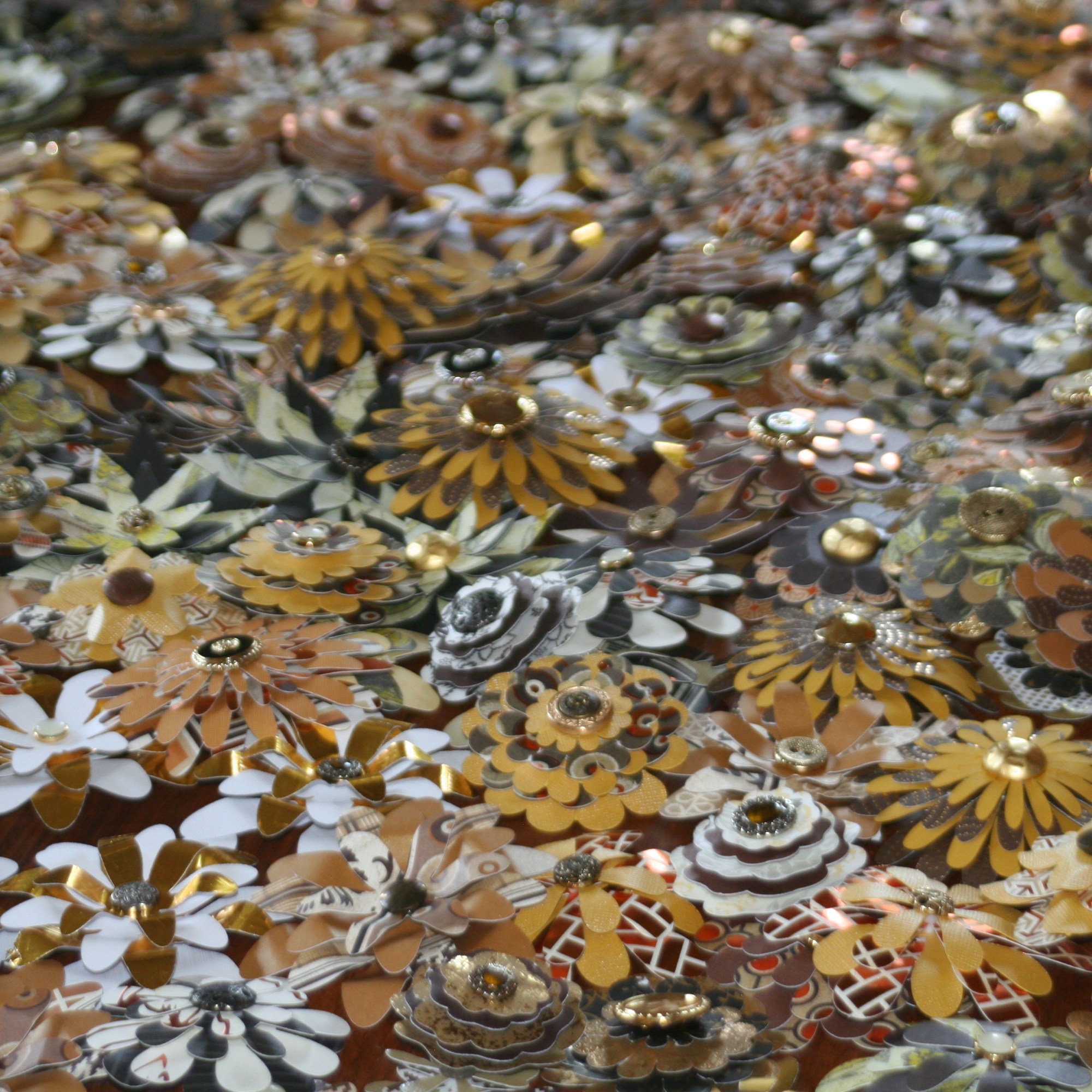
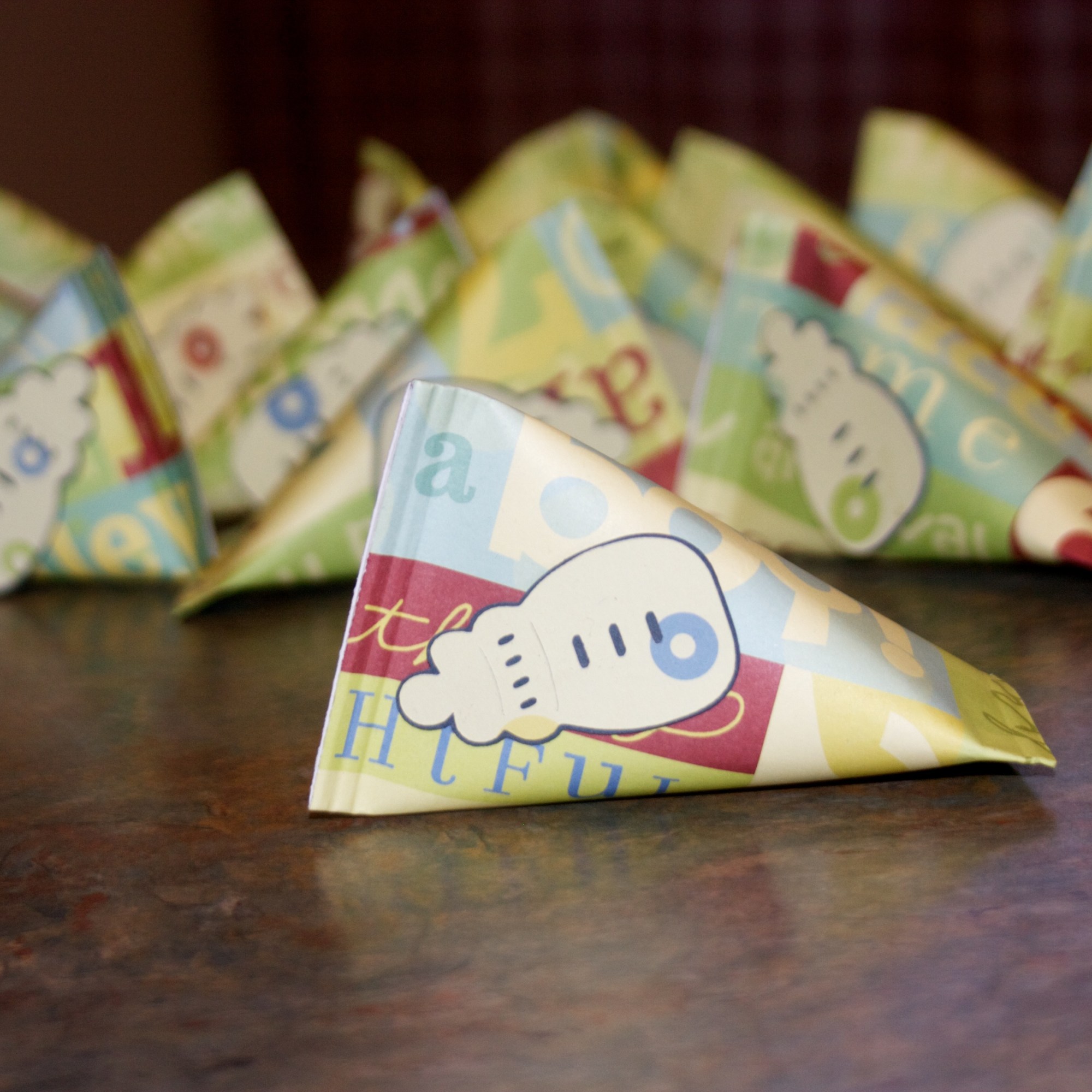
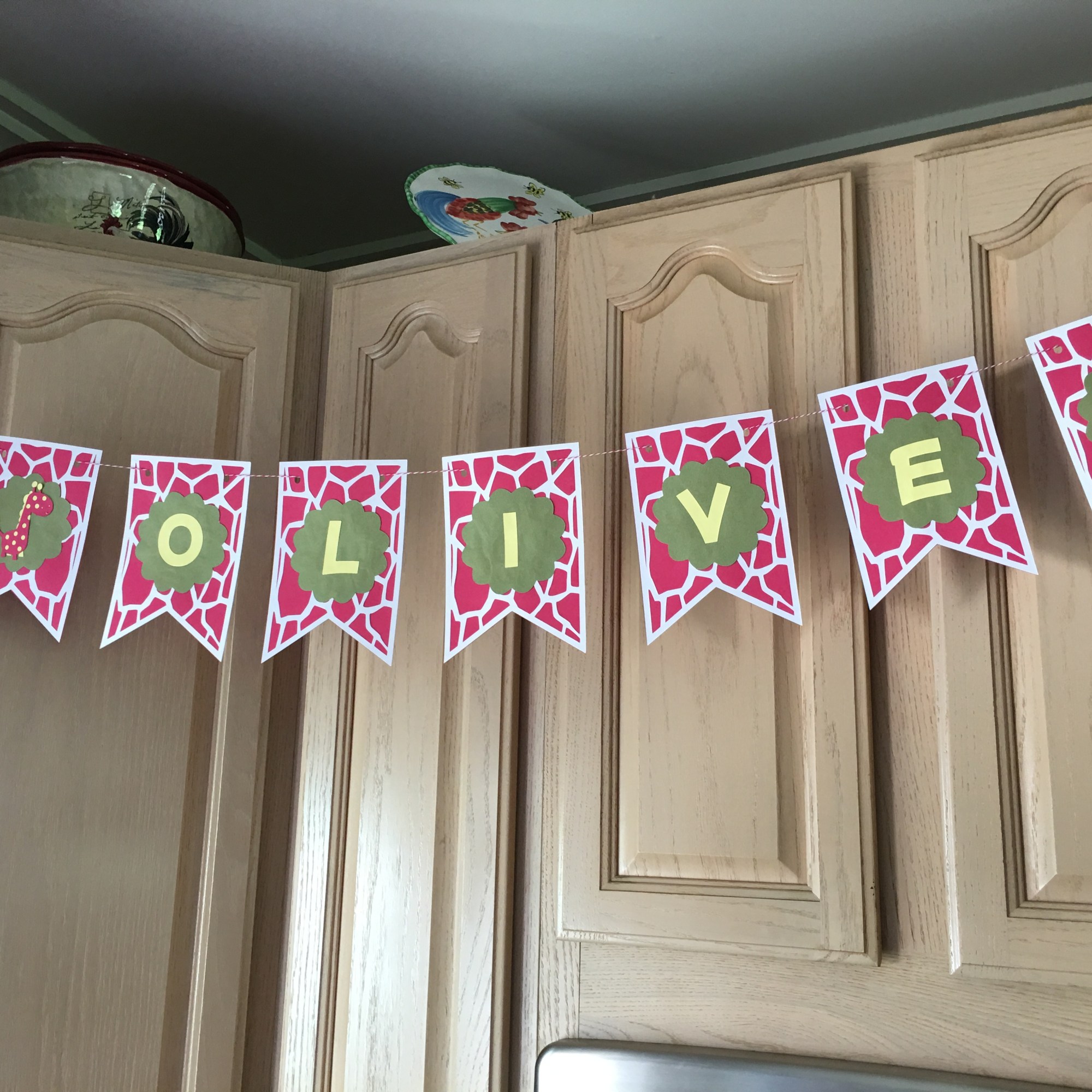
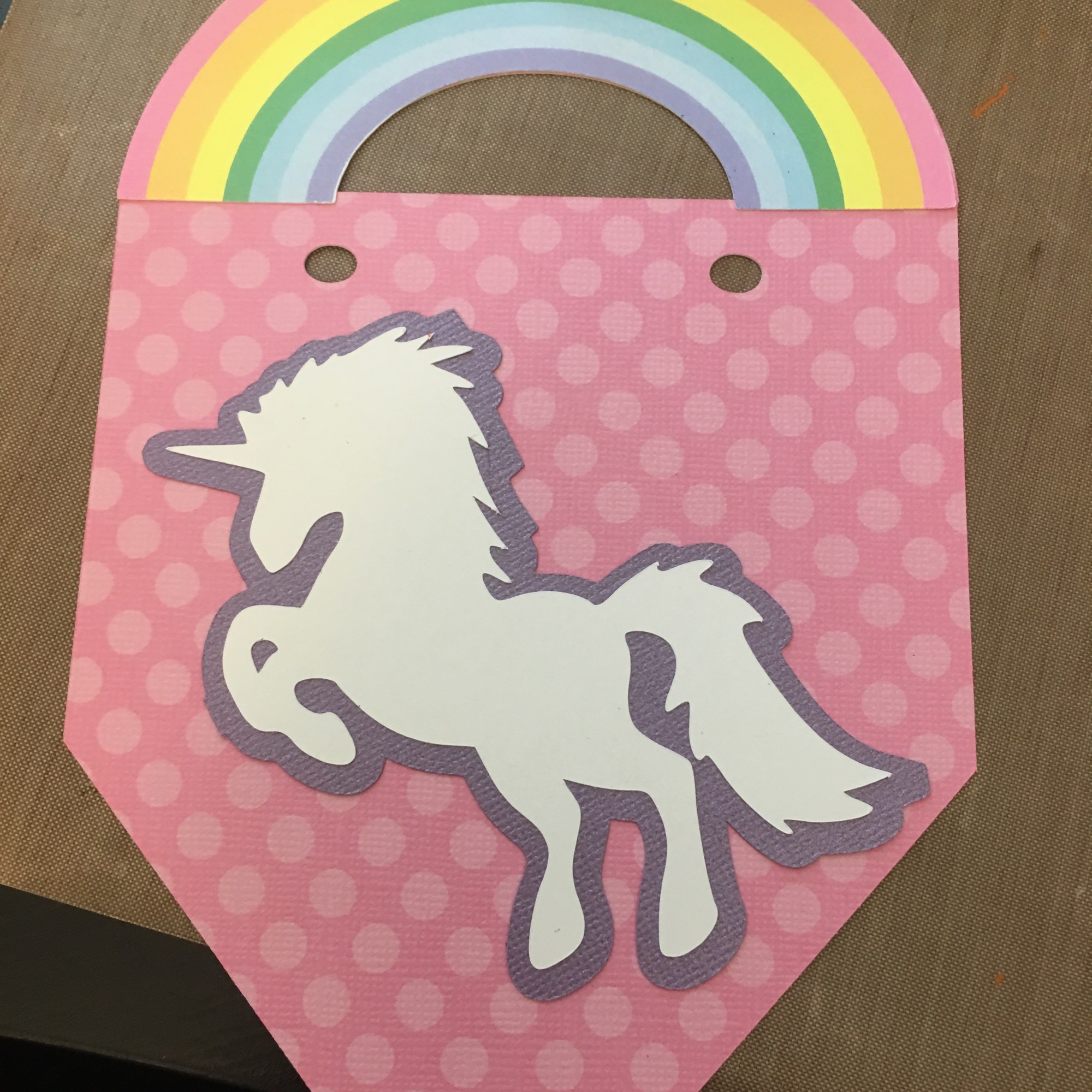
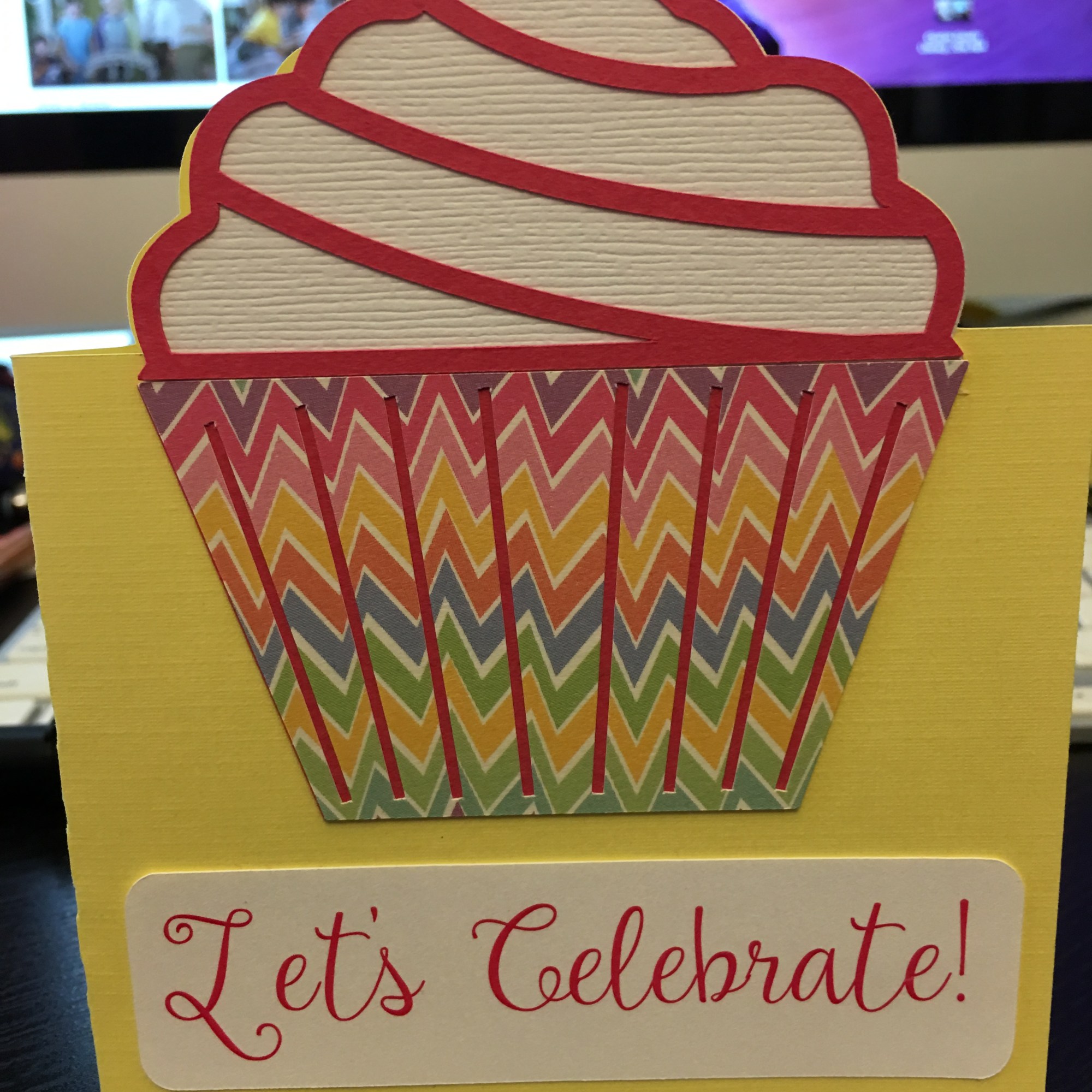
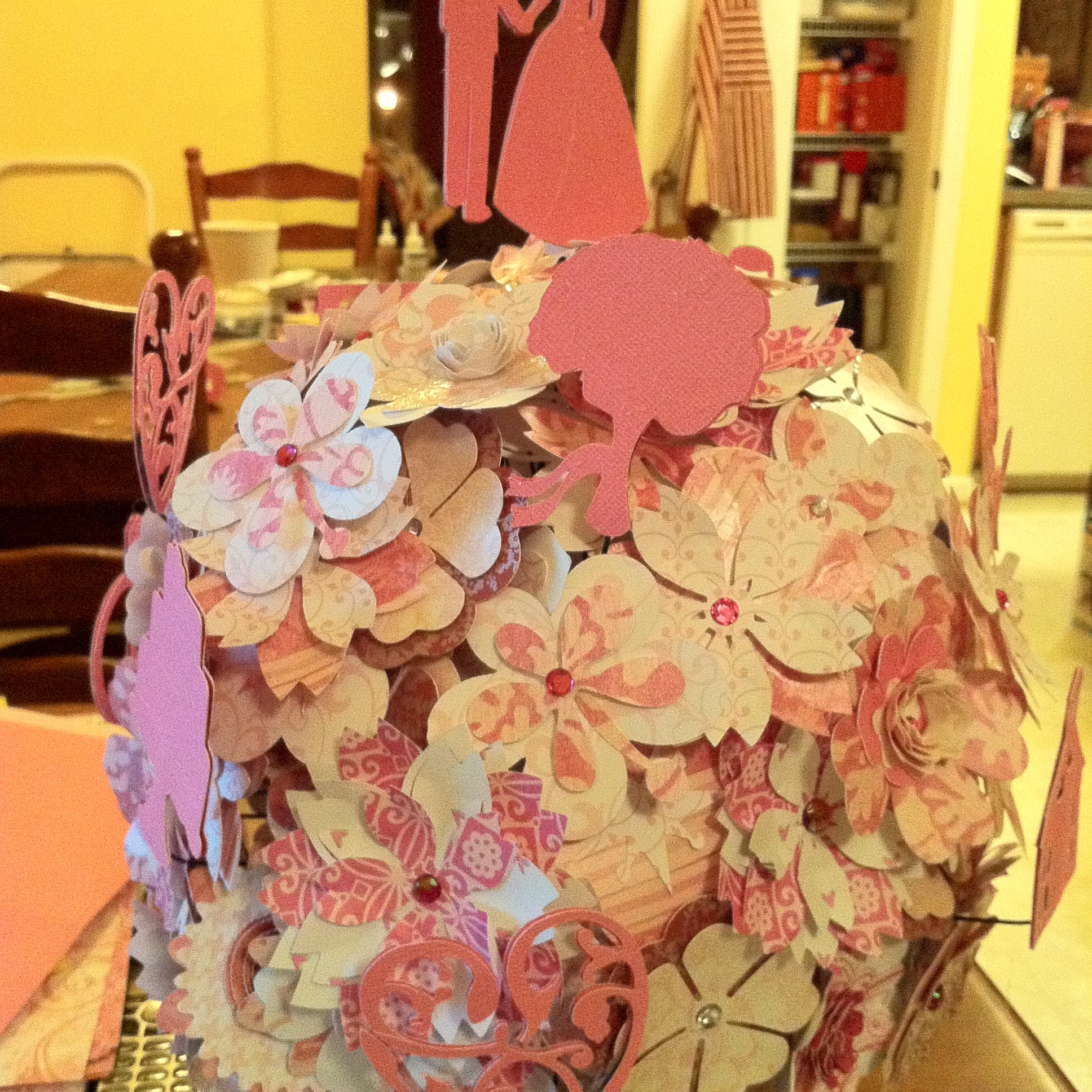
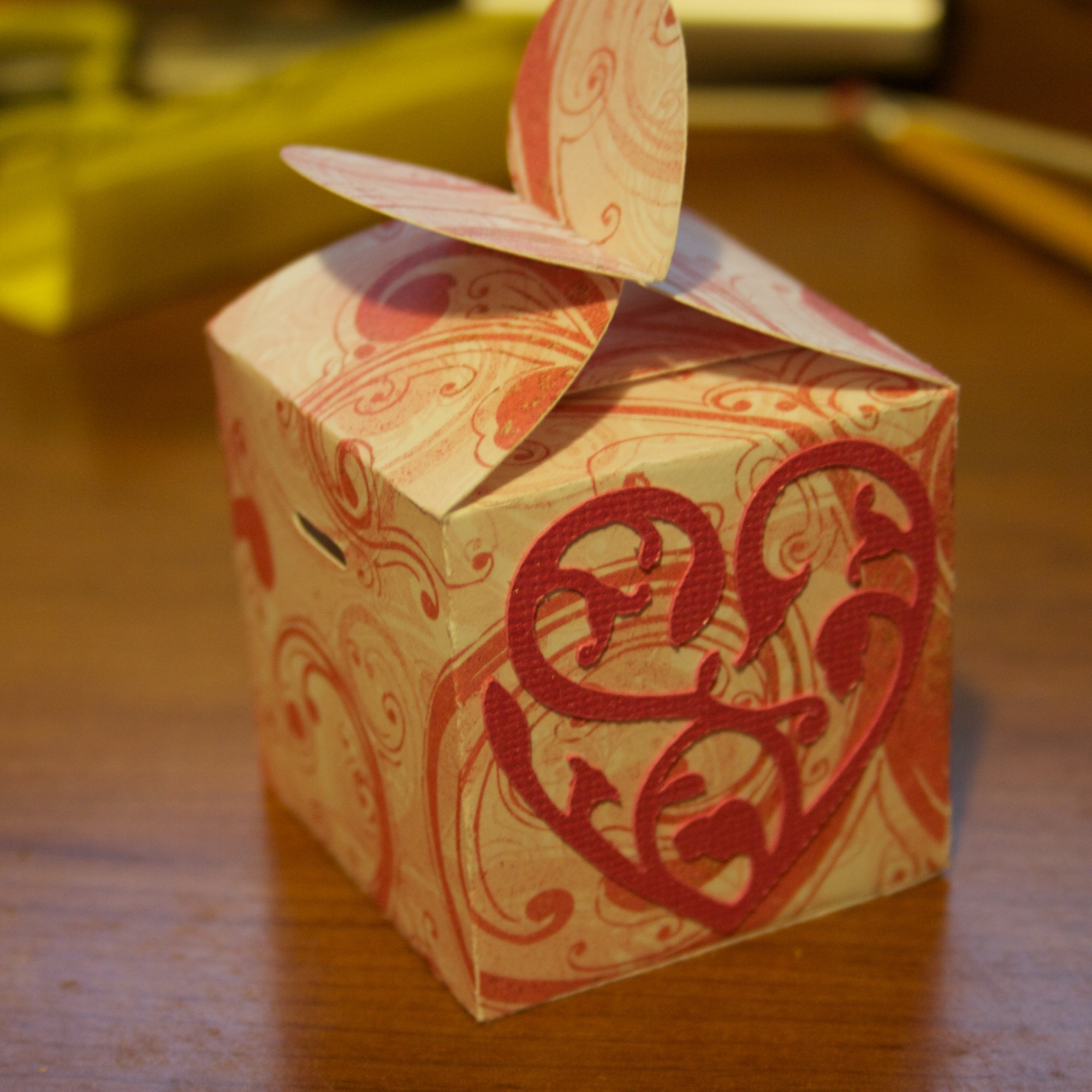
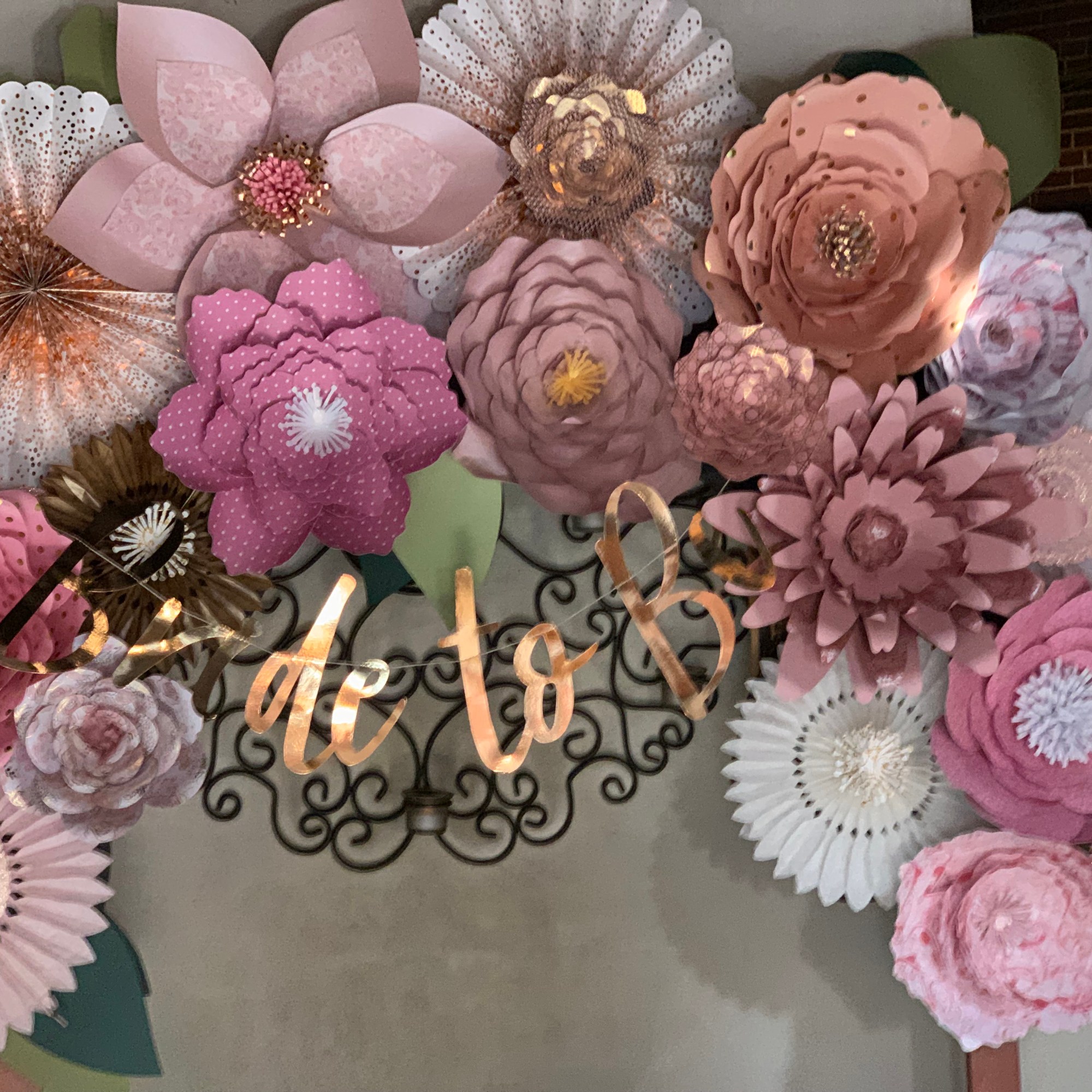
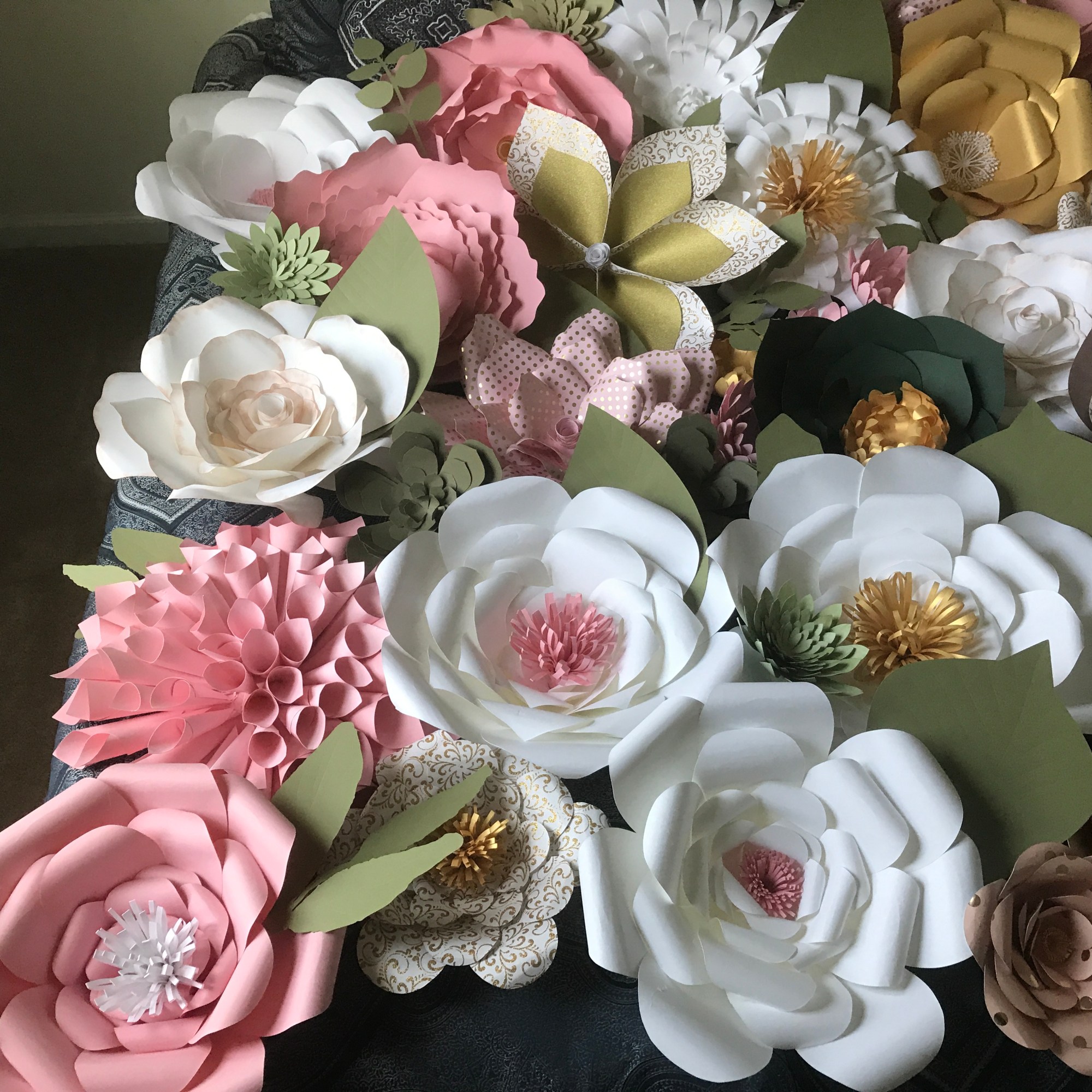
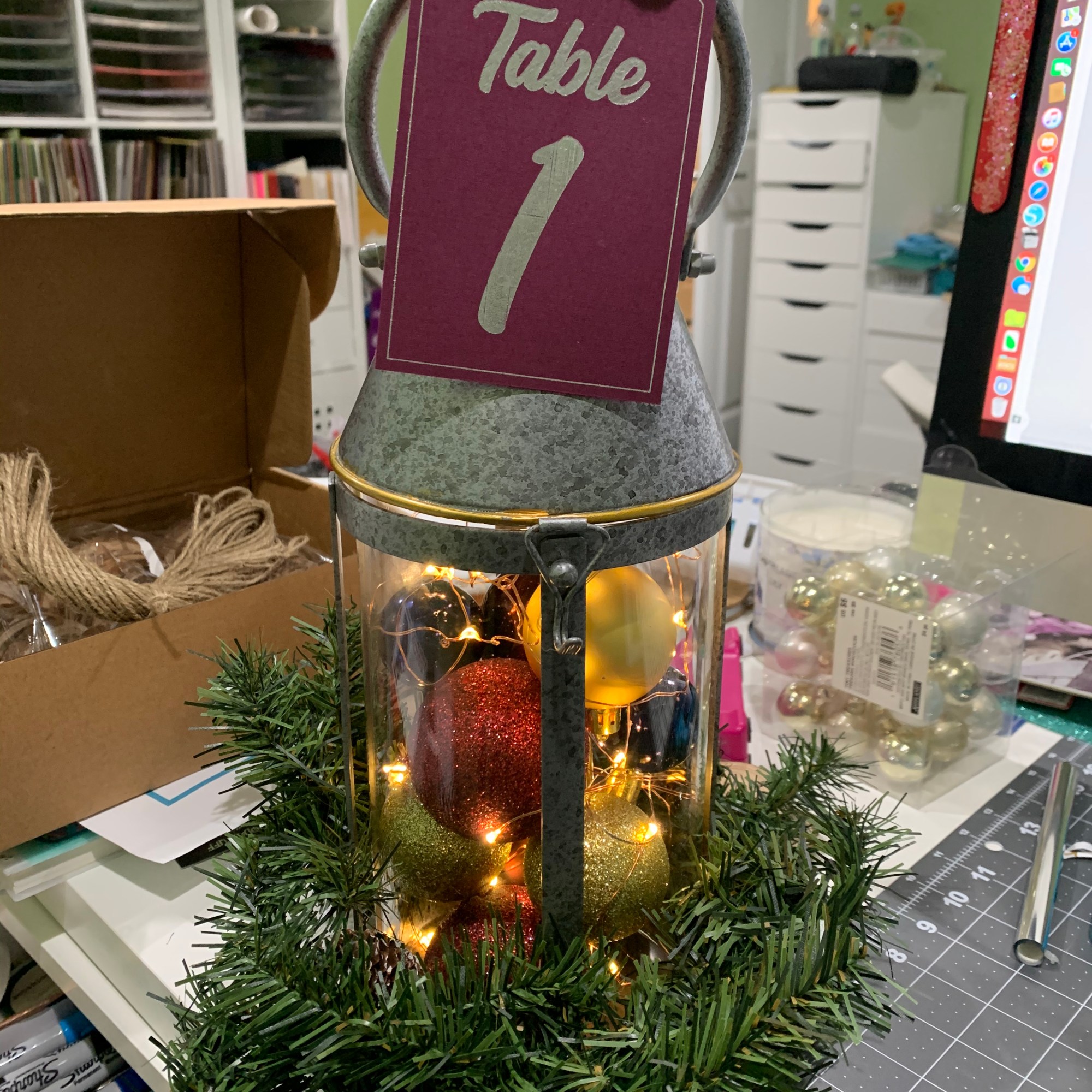
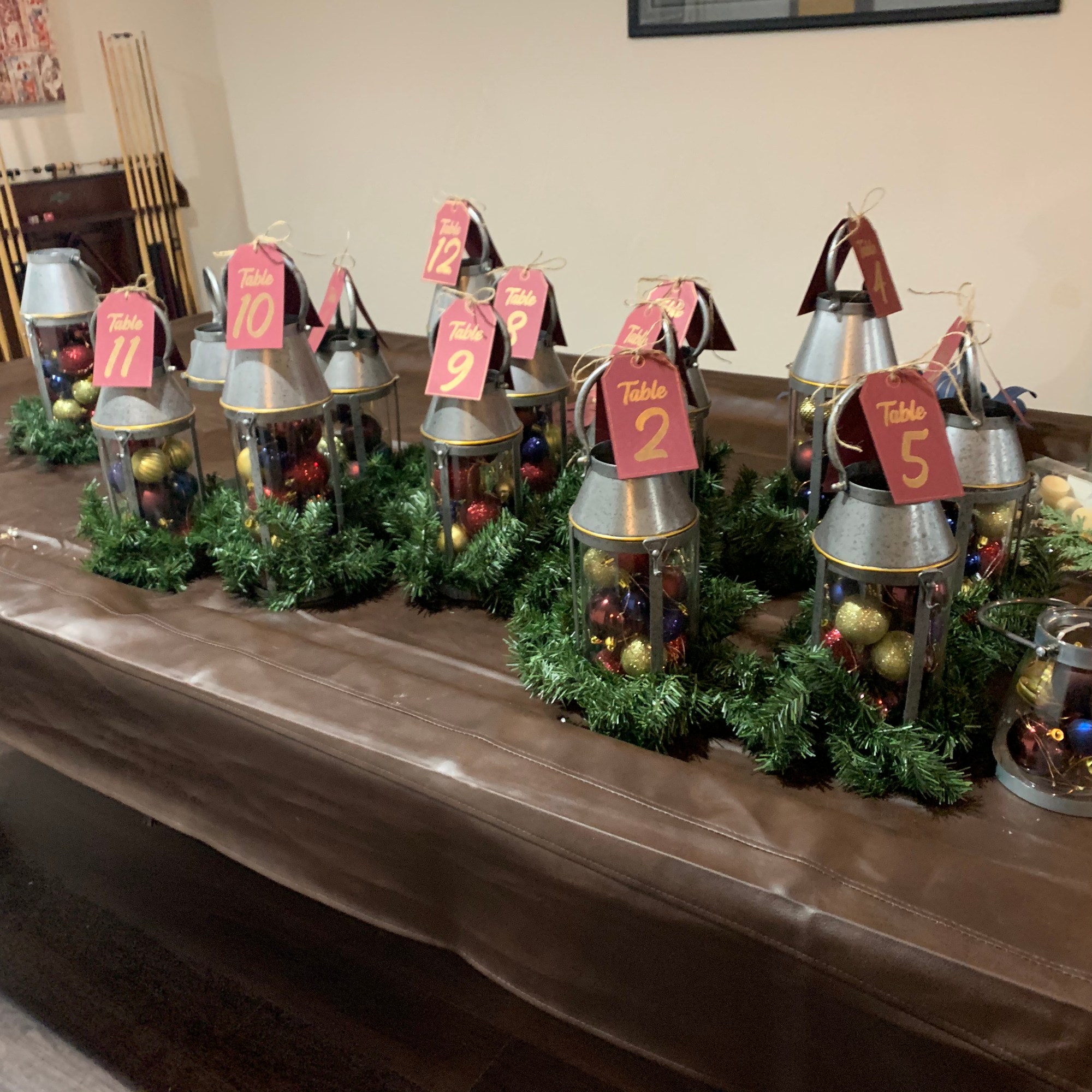
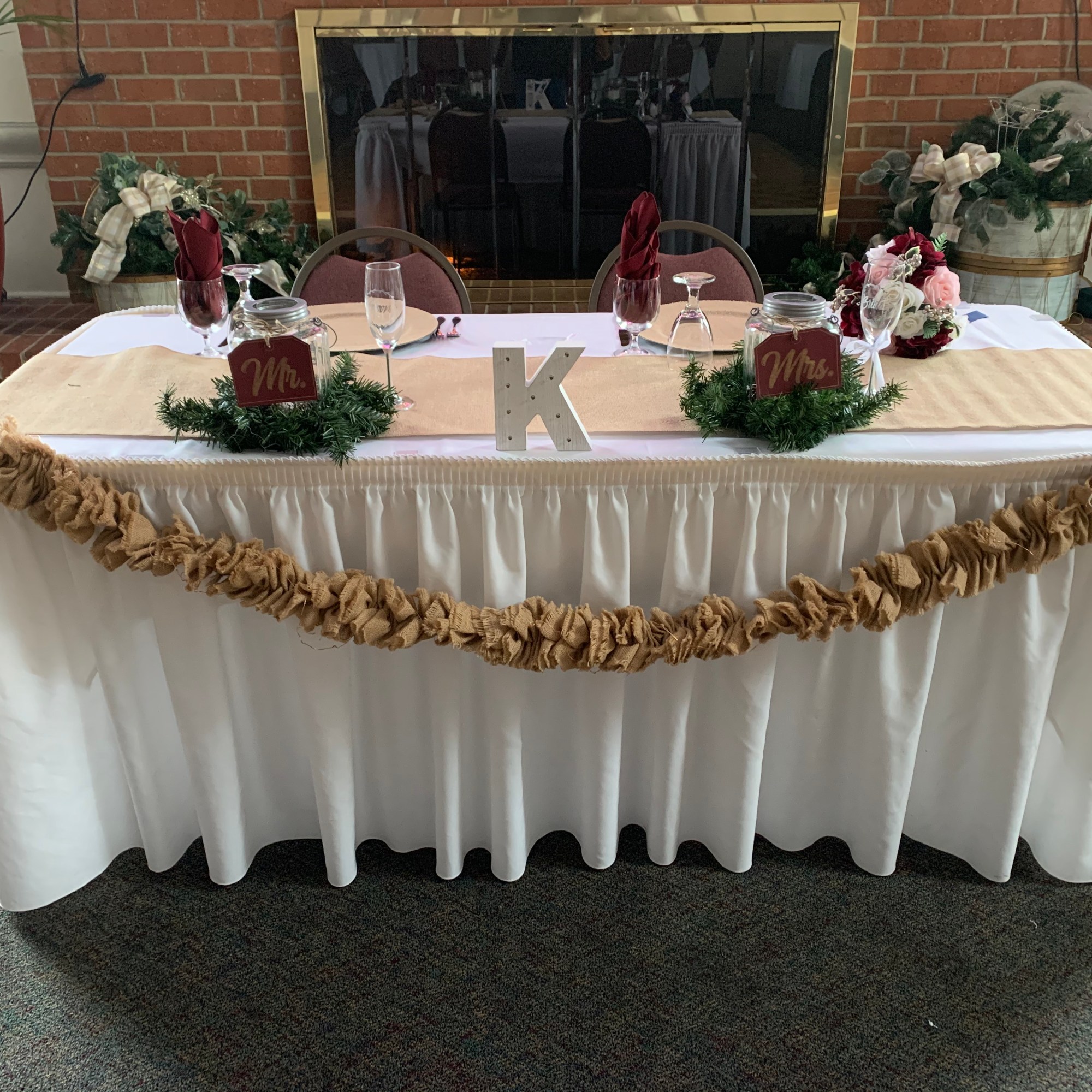
Somewhere along the way, I discovered the All Things Silhouette Conference. In April of 2016, I attended the All Things Silhouette Conference in Georgia. Wow! I had no idea what to expect and to say I was blown away is an understatement. I learned so much that weekend. I couldn’t believe everything people were doing with their silhouette cameos. To say I was inspired was an understatement. I had not ventured into the vinyl arena until ATSC. After the conference, I began making home decor, shirts (my granddaughter thinks I make all of her shirts), wood signs and holiday decorations.
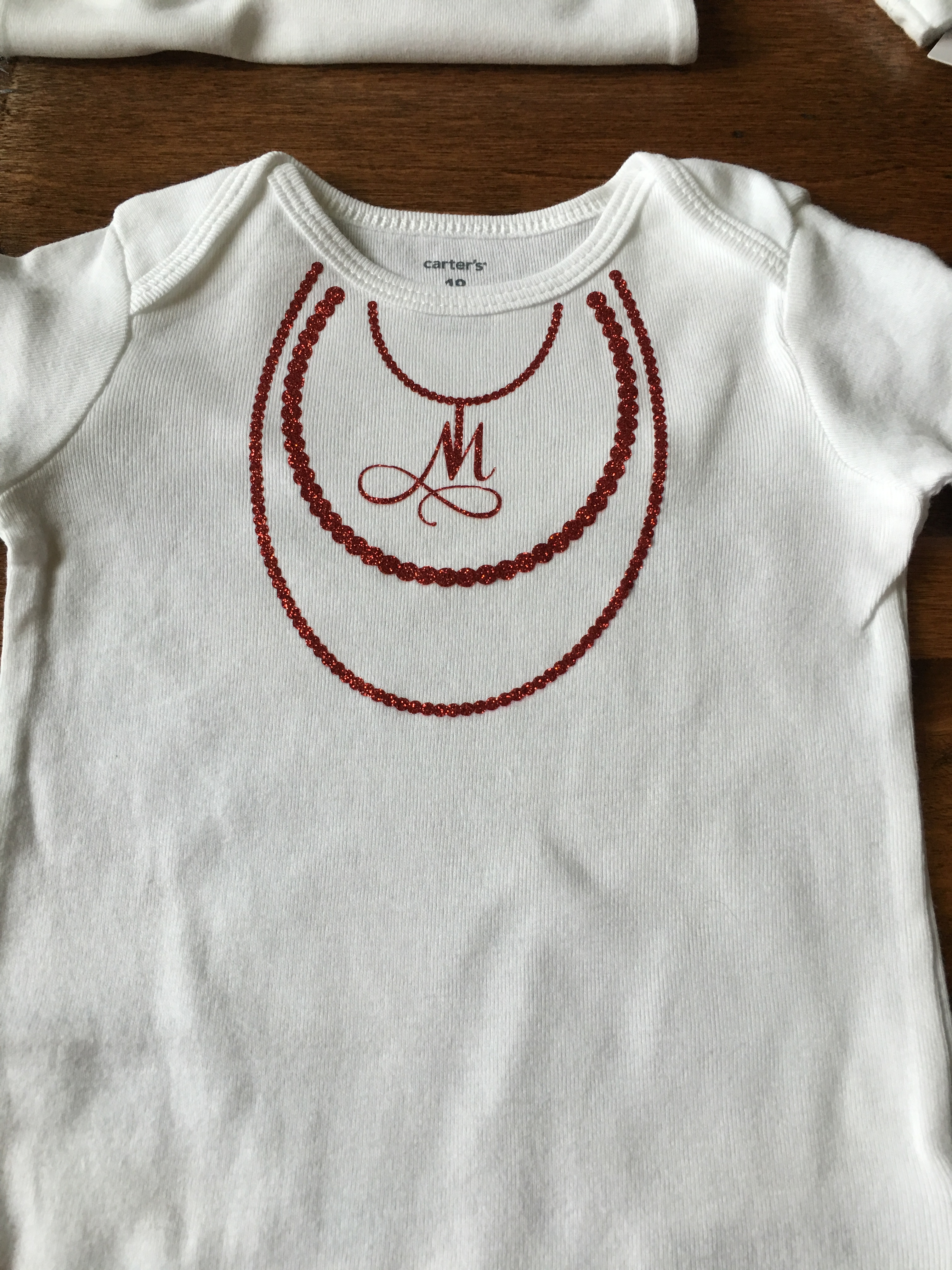
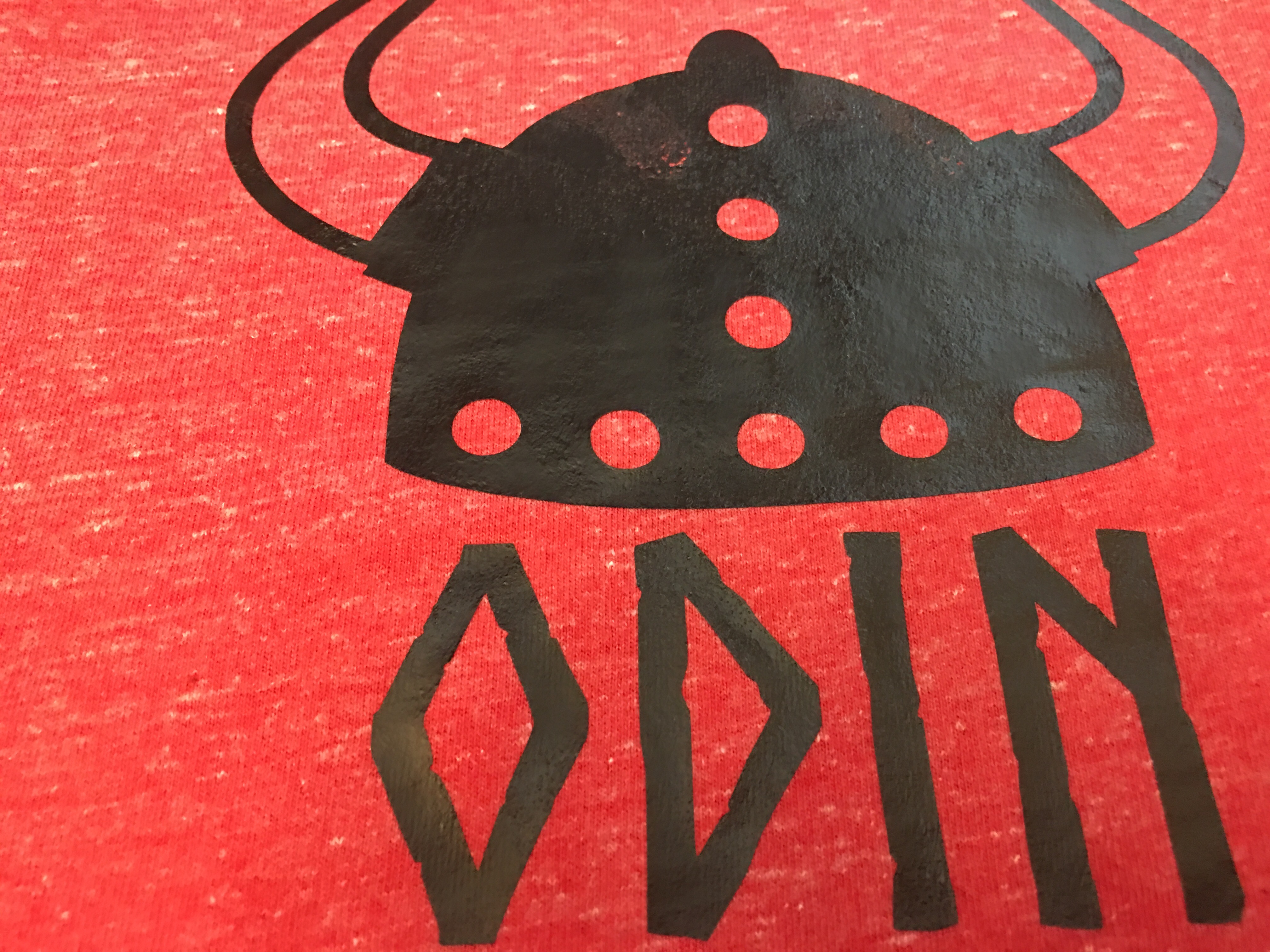
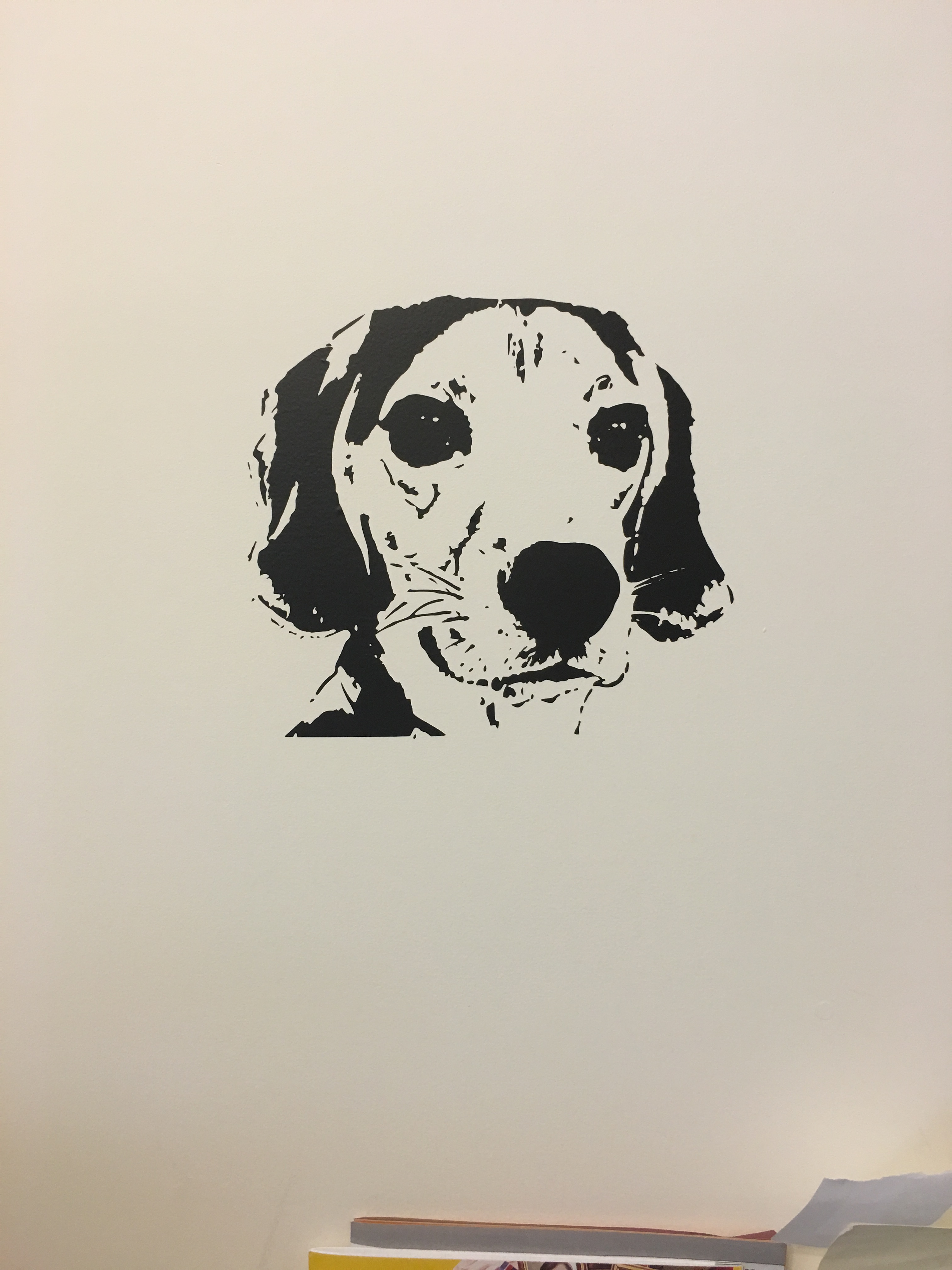
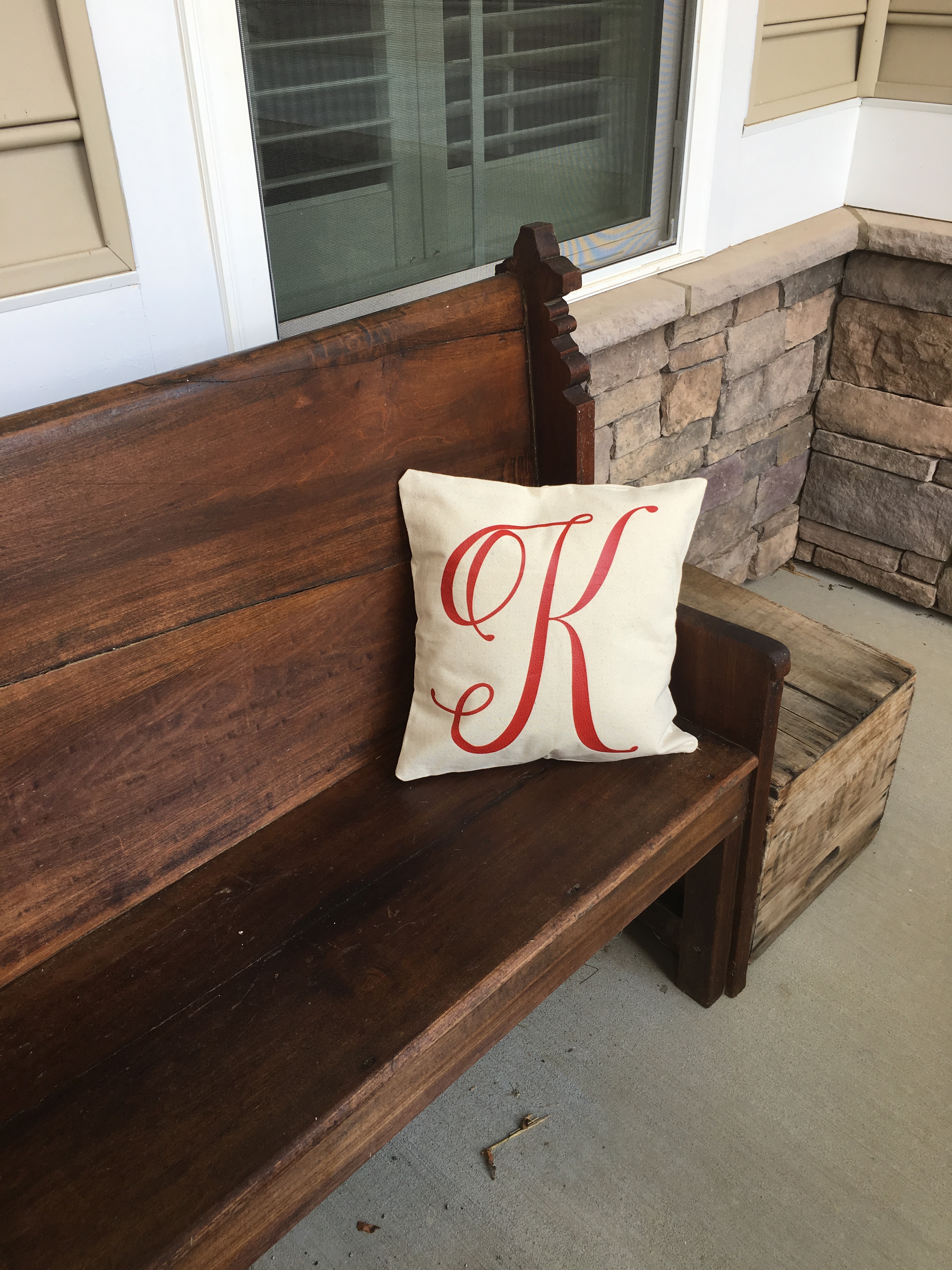
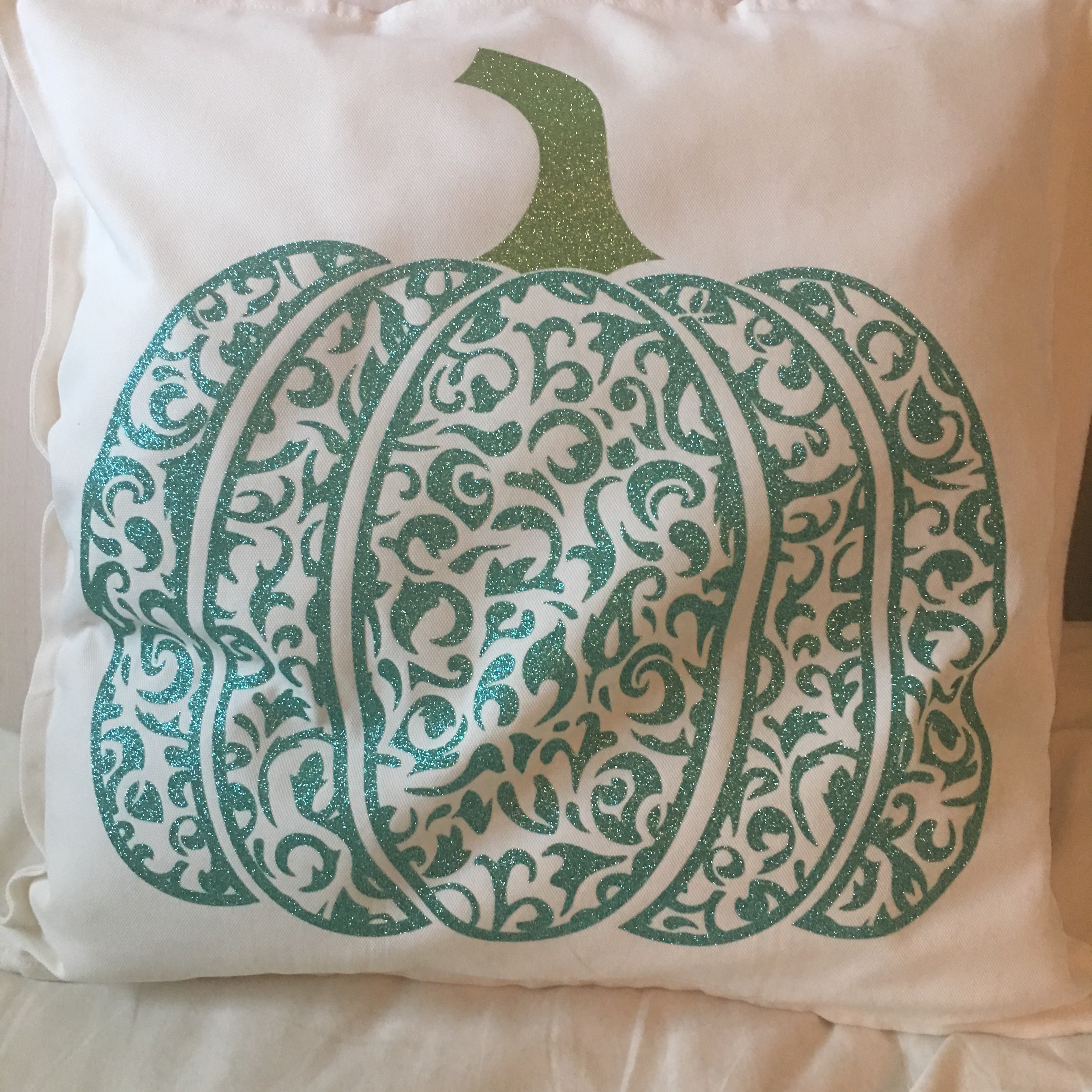
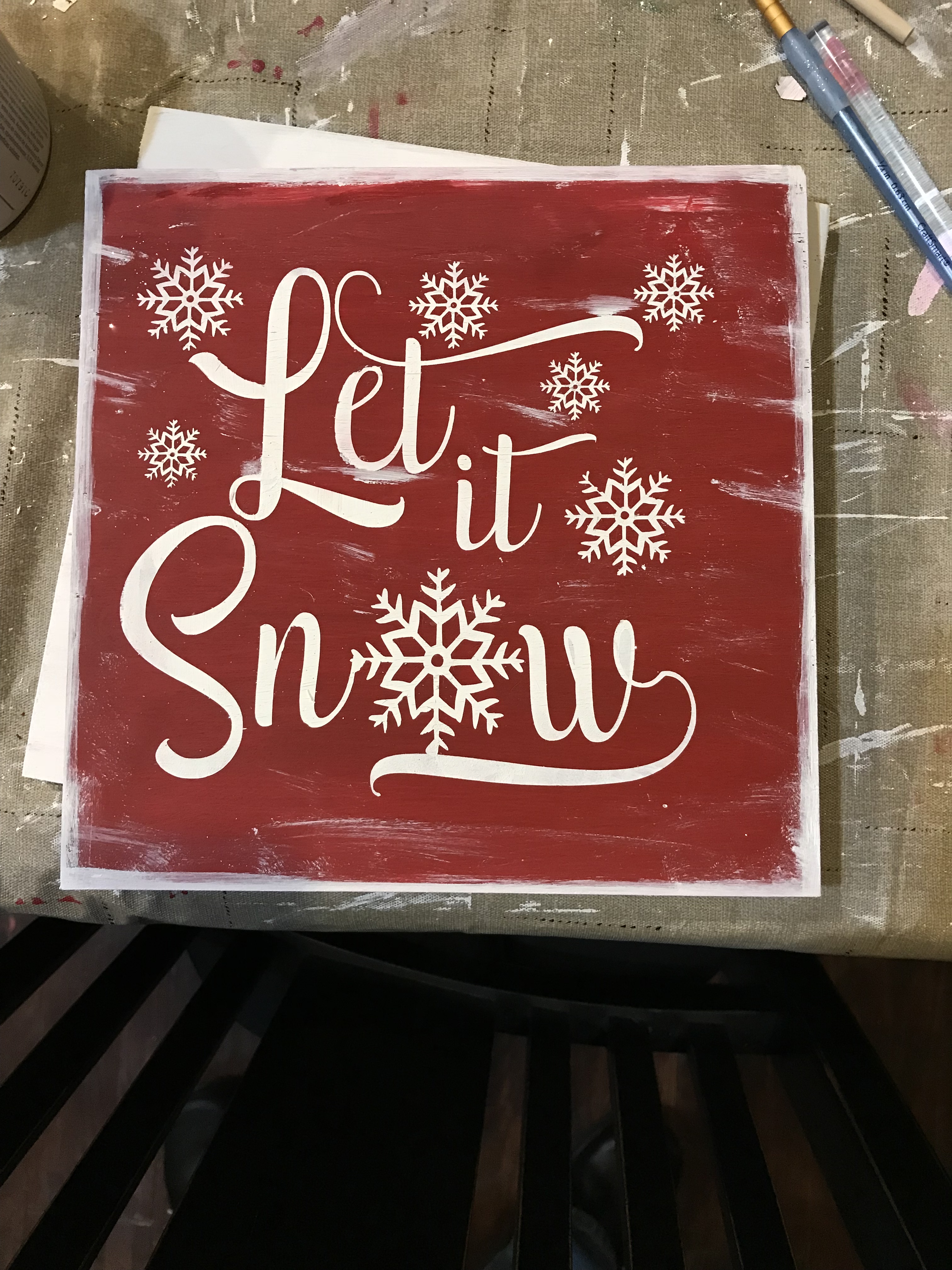
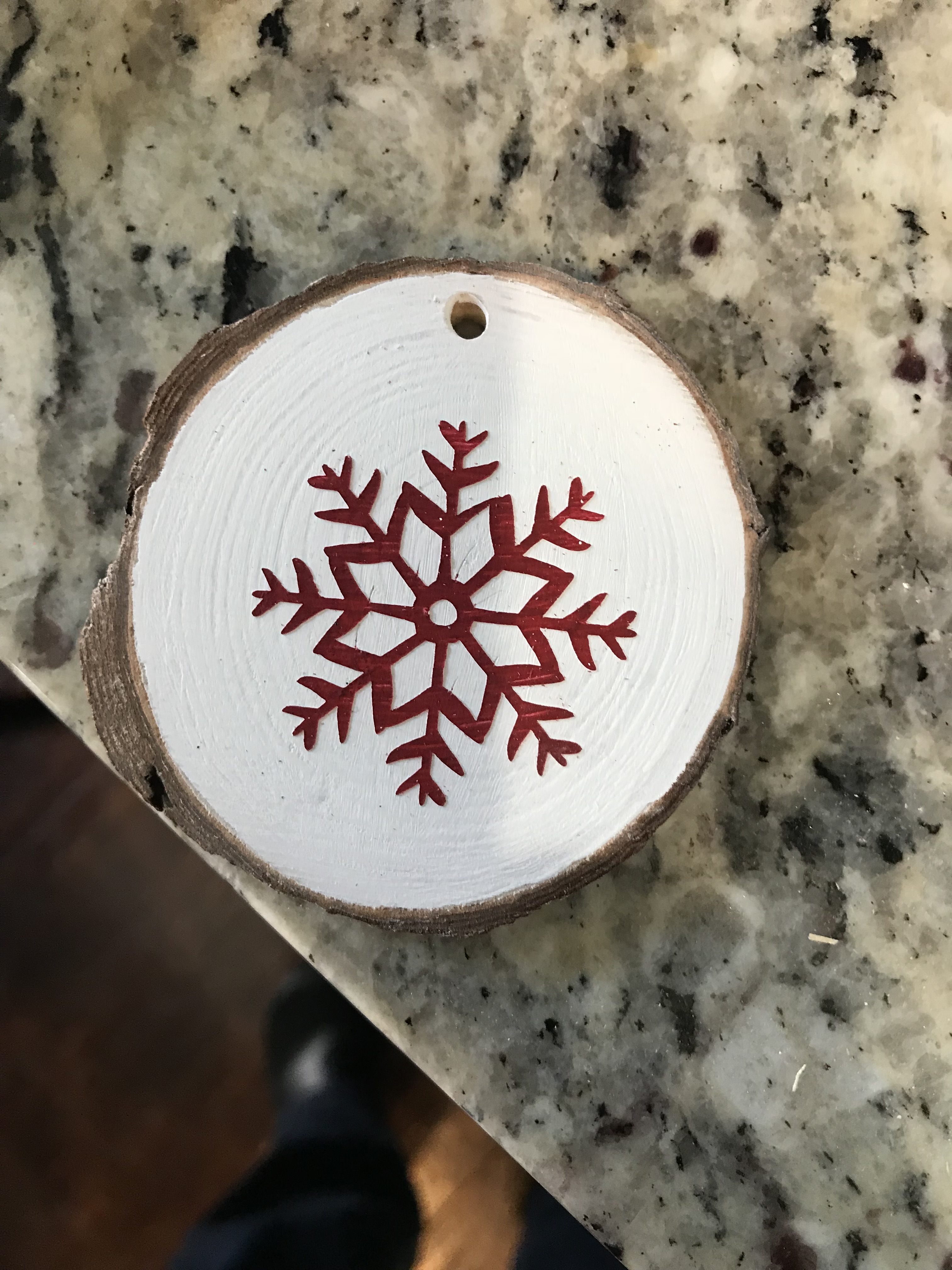
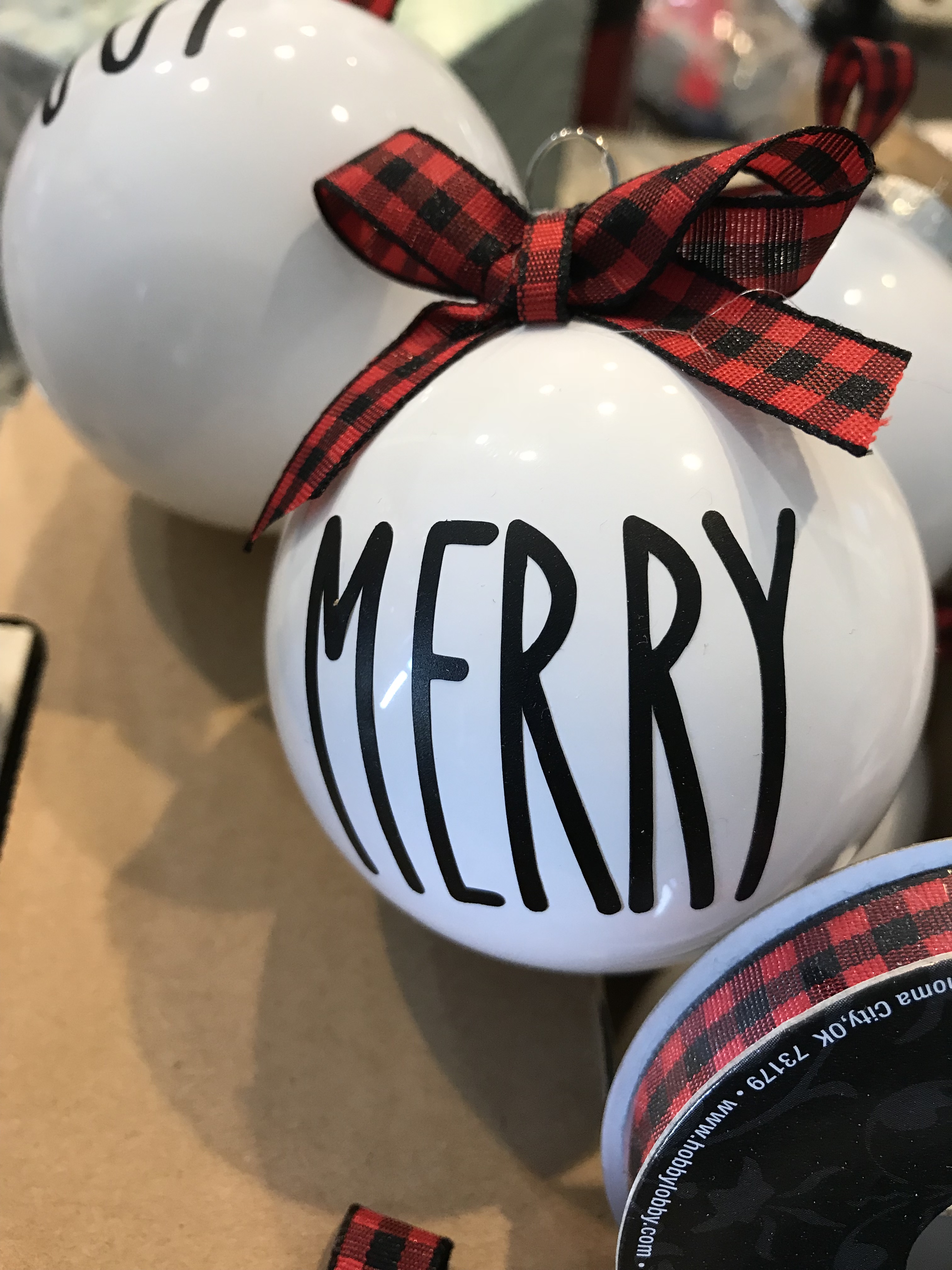
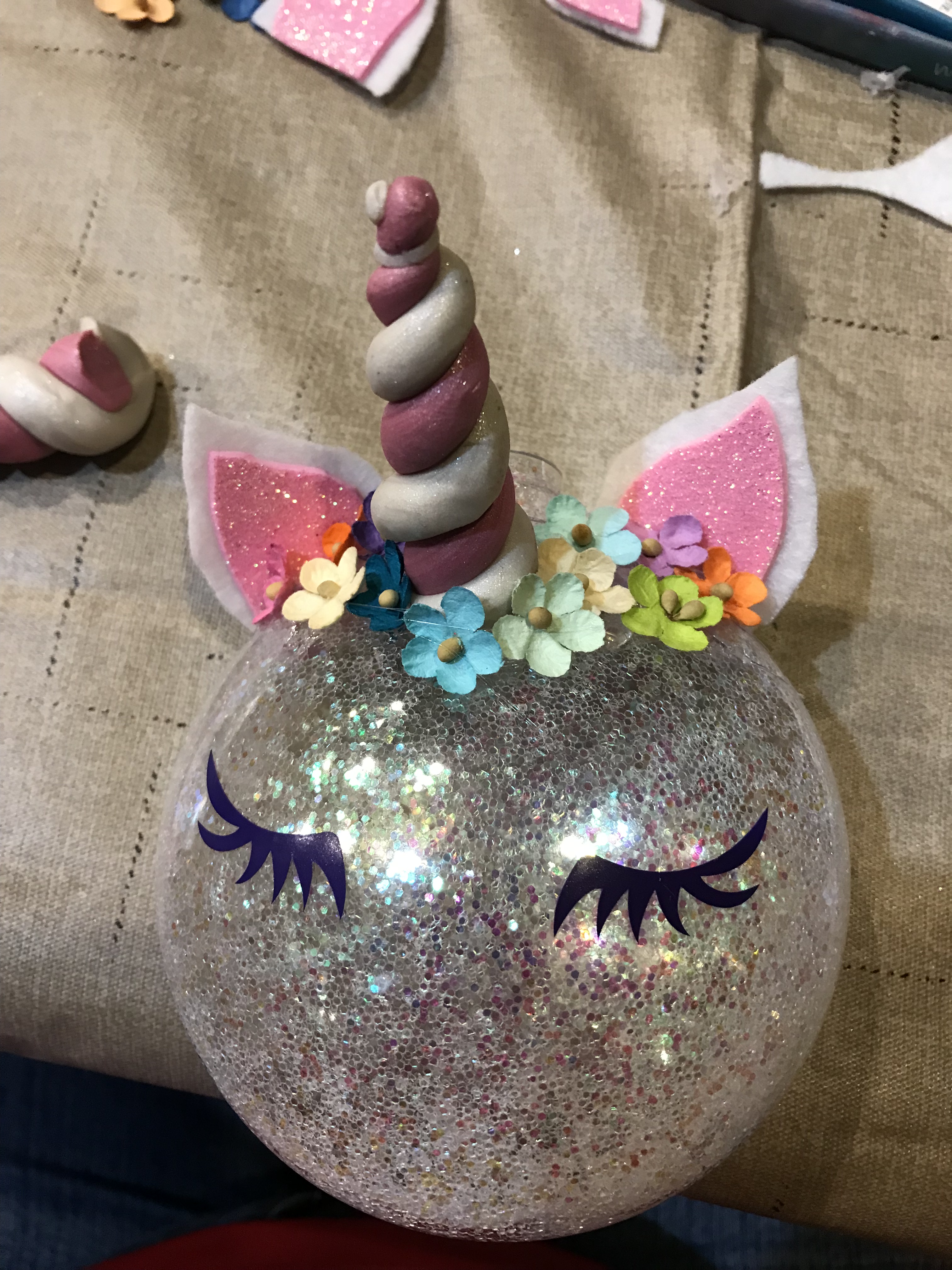
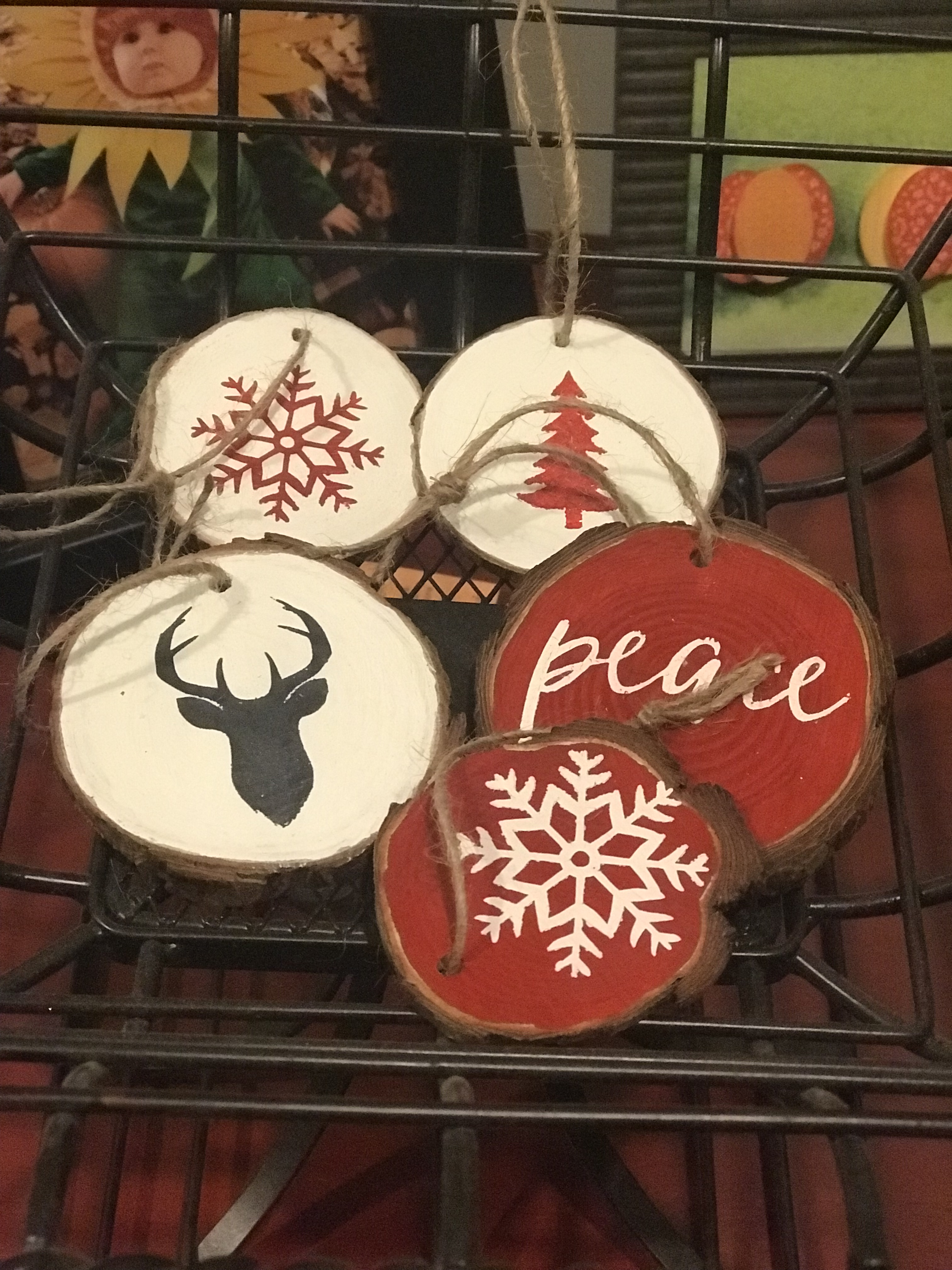
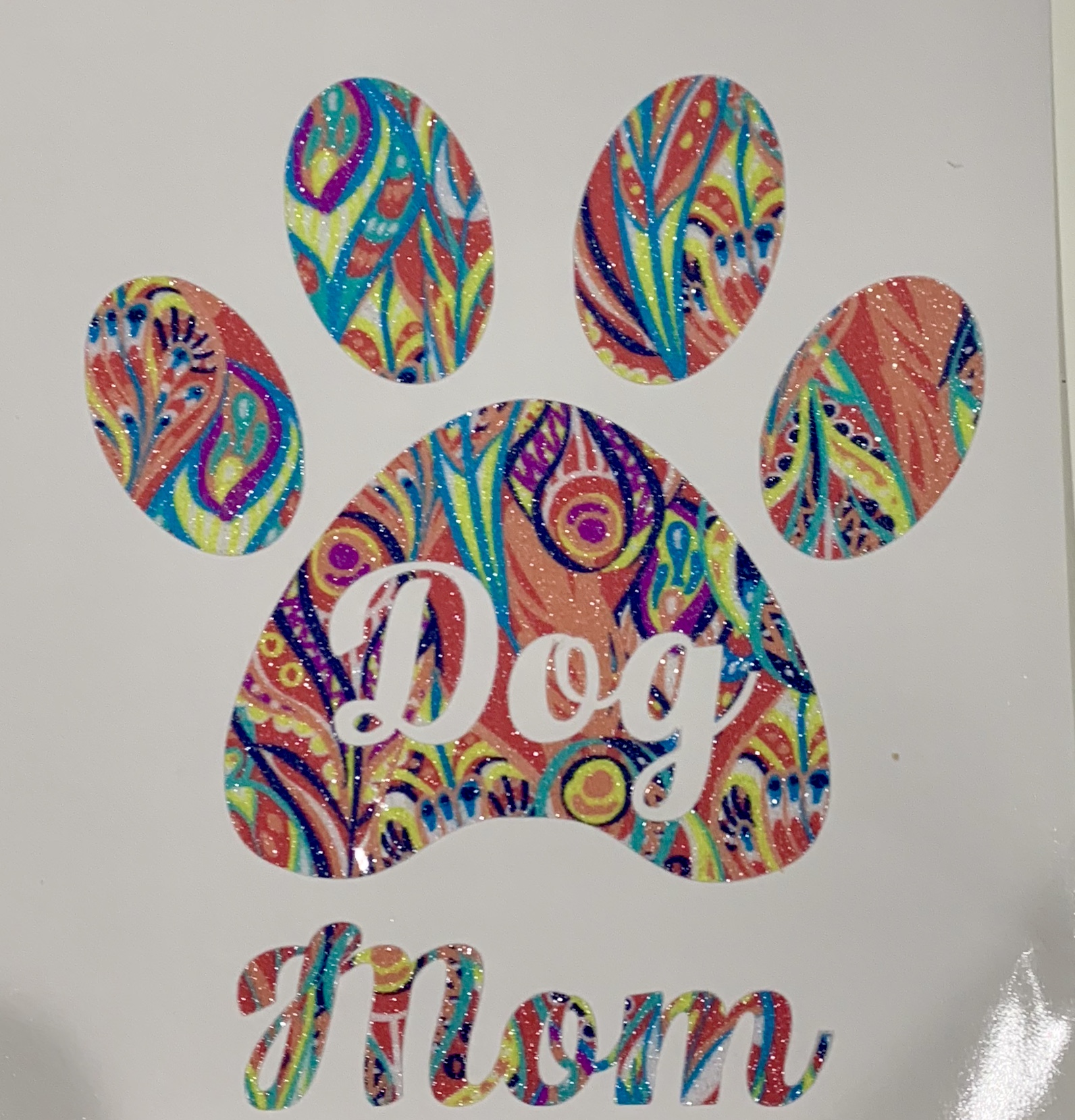
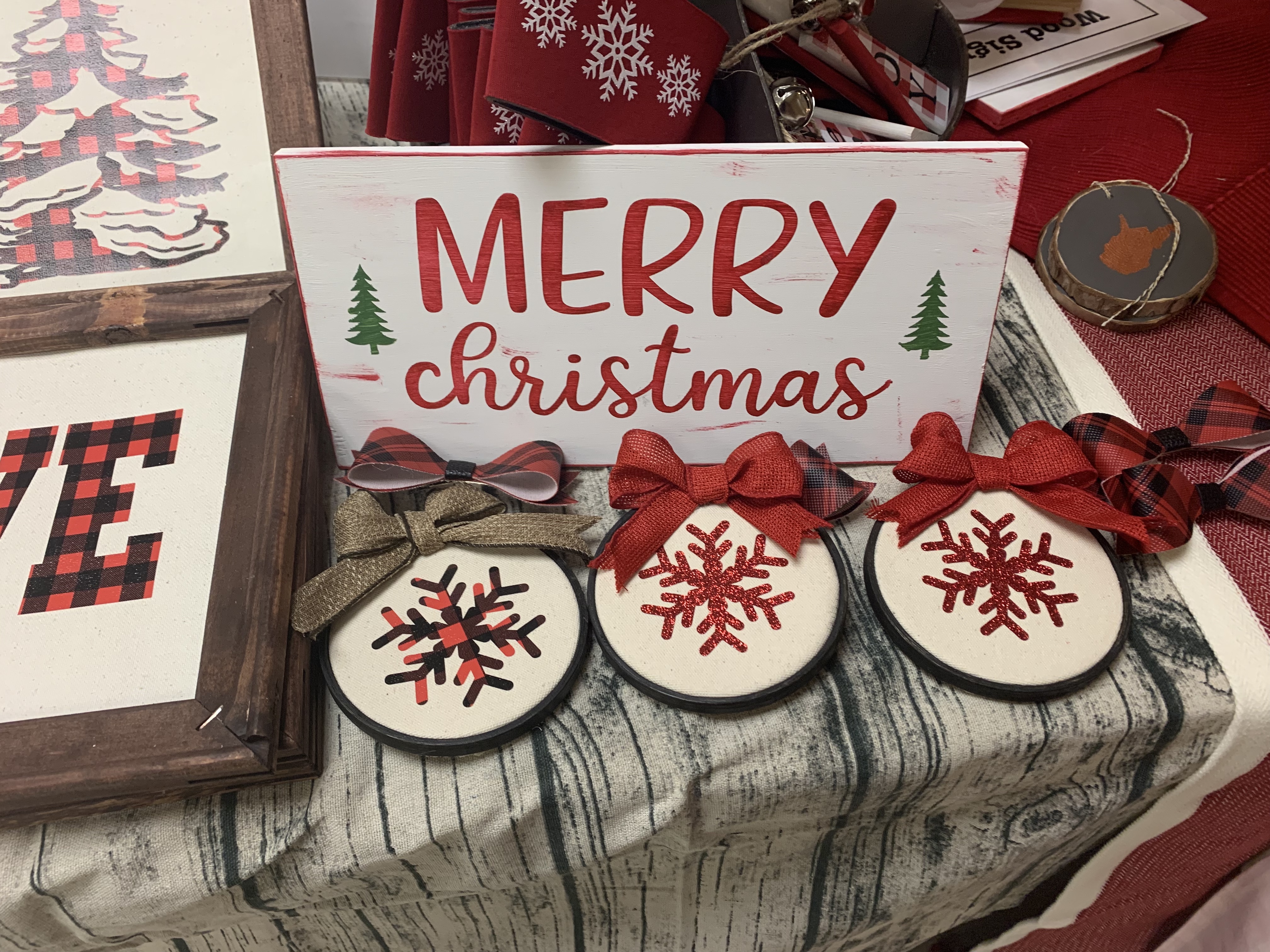
In 2019, I celebrated my 50th birthday at the Terri Johnson Silhouette Licensing training and am a licensed instructor. I’m looking forward to sharing my love of crafting and more specifically, silhouette crafting. I am located in Ranson, WV and am available for one-on-one lessons.
 A Study in Crafting